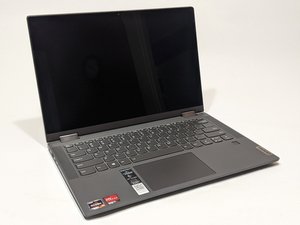

How to replace the screen
Screen replacement guide
Bu iyi bir soru mu?
Puan
2
İtibar: 25
 1
1
 1
1
Screen replacement guide
Bu iyi bir soru mu?
İtibar: 551,4b
11
425
 1,6b
1,6b
Hi @adam8687
Here's the hardware maintenance manual for the laptop.
Go to p.65 to view the pre-requisite steps and then the procedure to remove/replace the LCD panel.
Depending on your exact model variant i.e. MT81X2 or MT82DF, {check on product info label on the bottom of the laptop for Machine Type (MT) #} there are two LCD panels that can be used in either of the models but apparently you have to replace like for like e.g. if you have the TN type display you can't use the IPS display instead and vise versa, as the parts list for each LCD panel states no substitutes for each part
Lenovo LCD Module,14",FHD,Touch,Anti-Glare,TN,220nit,45%NTSC Part No 5D10S39641
Lenovo LCD Module,14",FHD,Touch,Anti-Glare,IPS,250nit,45%NTSC Part No 5D10S39642
Usually the part number can be found on the back of the LCD panel if you wish to verify before ordering.
Search online using the applicable part number only to find suppliers that suit you best.
Bu yanıt yardımcı oldu mu?
Son 24 Saat: 1
Son 7 gün: 28
Son 30 gün: 91
Her zaman: 2,916

