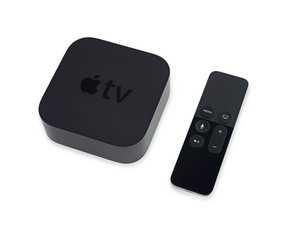
Ethernet not working, not getting an IP address
Hello,
My Apple TV is plugged via ethernet and cannot get activated without ethernet or wifi
Bu iyi bir soru mu?
Puan
0

İtibar: 1
 2
2
 1
1
Hello,
My Apple TV is plugged via ethernet and cannot get activated without ethernet or wifi
Bu iyi bir soru mu?

İtibar: 495,9b
35
338
 974
974
Are you connected directly to your internet router?
Do you have any tools to monitor the Ethernet net's traffic? Yout AppleTV needs internet access to setup. If you don't see it trying to connect you either have a bad cable or AppleTV.
Bu yanıt yardımcı oldu mu?
Hello
I’m directly connected to the router, and I’m not getting an ip address, it’s says it’s connected but not
@whispwater49723 - This is starting to look like the router needs a rule defined as it's not getting to the internet if you can see it's MAC address within the router. Using a simple Ethernet Hub try connecting via it and the use a second system running some sniffer software I'm sure you'll see the AppleTV calling the net, but not getting a reply.
It's connected directly to the router, I also put manual setting, but the ATV thinks the cable is already plugged whereas not
@whispwater49723 - Ouch! That sounds like the Apple TV's logic is damaged. Did you have a lightning storm or power surge which could have damaged things.
I don't know, someone gave me the ATV, and don't give me any informations about this

İtibar: 61
1
Possible methods to solve your problem-
Use a different cable
You can restart everything
Don not forget to check router settings
Manually set IP for this Settings > Network > Ethernet then Configure IP > Manual
Try a USB-C to Ethernet Adapter
Bu yanıt yardımcı oldu mu?
Son 24 Saat: 1
Son 7 gün: 7
Son 30 gün: 33
Her zaman: 183
