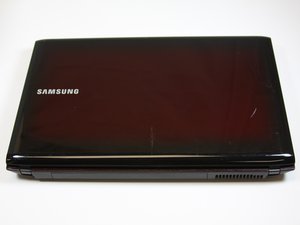

Why my system is not displaying
If I turn on the system the power LED will show and the fan will start but it will not display
Bu iyi bir soru mu?
Puan
0
If I turn on the system the power LED will show and the fan will start but it will not display
Bu iyi bir soru mu?
İtibar: 550,7b
 11
11
 425
425
 1,6b
1,6b
The laptop may be powered on but that doesn't mean that it has started POST (power on self test)
Try a full power refresh and check if that fixes it.
Turn off the laptop if it is on and disconnect the charger from the laptop (if connected).
Remove the battery from the laptop and then open the laptop and remove the RTC coin cell battery¹ from the motherboard
Here's the ifixit Samsung NP R580 JBB2 Soğutucu Fan Değişimi guide that will help. The battery can be seen in Step.10 of the guide, - see image below.
¹ When the coin cell battery is out, measure its voltage. If it is <2.5V DC or if the battery is >4-5 years old replace it. It is a CR2032 coin cell battery, available most everywhere e.g. supermarkets.
Press and hold the laptop's Power button operated for a full 30 seconds and then release it.
Reinsert the coin cell battery, (+ve on top as marked on the battery), reassemble the laptop, connect the charger, turn on the laptop and check

(click on image)
Bu yanıt yardımcı oldu mu?
Son 24 Saat: 0
Son 7 gün: 2
Son 30 gün: 11
Her zaman: 140

