Ana içeriğe geç
Onarım Topluluğuna Katılın - Hesap Oluşturun

Fujifilm X30 Motherboard Replacement

Neye ihtiyacın var

    1. Fujifilm X30 Motherboard Replacement, Battery: adım 1, 2 resimden 1. Fujifilm X30 Motherboard Replacement, Battery: adım 1, 2 resimden 2.
      • Turn the camera upside down.

      • Place your thumb on the switch, and slide it towards the center of the camera.

      • The compartment will pop open.

      FixBot'a Sor

      Yorum Ekle

    2. Fujifilm X30 Motherboard Replacement: adım 2, 1 resimden 1.
      • Once you have the battery compartment open, slide the orange tab away from the battery until it ejects.

      FixBot'a Sor

      Yorum Ekle

    3. Fujifilm X30 Motherboard Replacement: adım 3, 1 resimden 1.
      • Pull the battery out.

      FixBot'a Sor

      Yorum Ekle

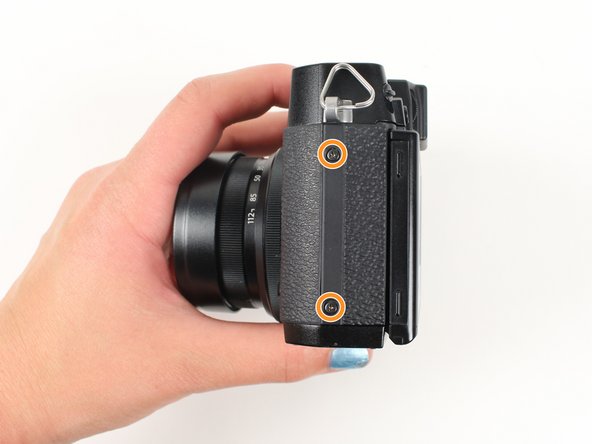
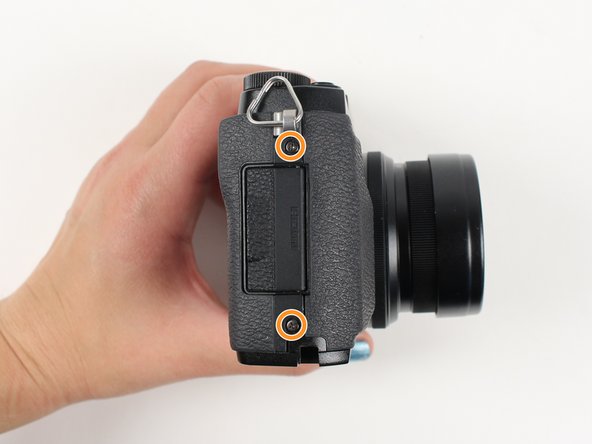
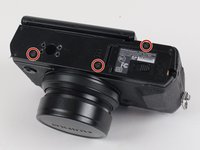
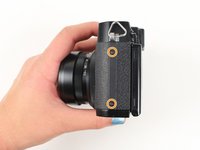
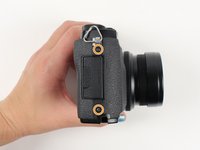
    1. Fujifilm X30 Motherboard Replacement, Motherboard: adım 4, 3 resimden 1. Fujifilm X30 Motherboard Replacement, Motherboard: adım 4, 3 resimden 2. Fujifilm X30 Motherboard Replacement, Motherboard: adım 4, 3 resimden 3.
      • Begin by removing the outside screws using a Phillips #000 Screwdriver:

      • Remove the three 3.6 mm silver screws located on the bottom of the camera.

      • Remove all four of the 4.7 mm screws from the sides of the camera.

      FixBot'a Sor

      Yorum Ekle

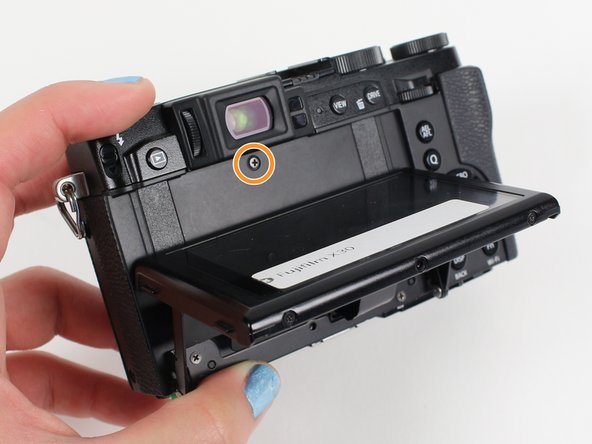
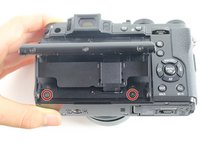
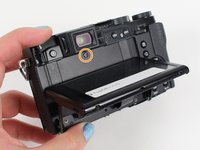
    2. Fujifilm X30 Motherboard Replacement: adım 5, 2 resimden 1. Fujifilm X30 Motherboard Replacement: adım 5, 2 resimden 2.
      • Remove all screws below using a Phillips #000 Screwdriver:

      • Lift up the screen and remove the two 4.5 mm screws located in the bottom corners.

      • Remove the 4.0 mm screw that is located behind the screen and directly under the eye piece.

      FixBot'a Sor

      Yorum Ekle

    3. Fujifilm X30 Motherboard Replacement: adım 6, 1 resimden 1.
      • Carefully lift up the bottom piece of the camera to remove it.

      • Be careful with delicate speaker wires attached to bottom.

      FixBot'a Sor

      Yorum Ekle

    4. Fujifilm X30 Motherboard Replacement: adım 7, 1 resimden 1.
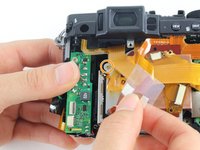
      • Do not pull hard when removing the backing because it could rip the orange strip attached to the motherboard.

      • Gently pull off the back of the camera from the left side so that it is partially open.

      • Use a spudger to lift up the tab holding the orange strip and slide the strip out to disconnect it

      • Refer to the next step to see pictures of how to properly use the spudger when removing a strip.

      FixBot'a Sor

      Yorum Ekle

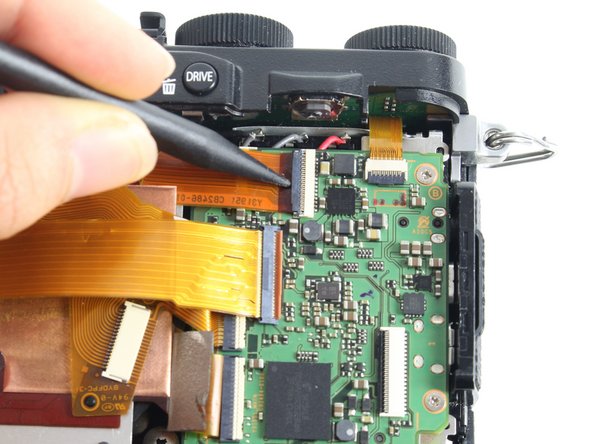
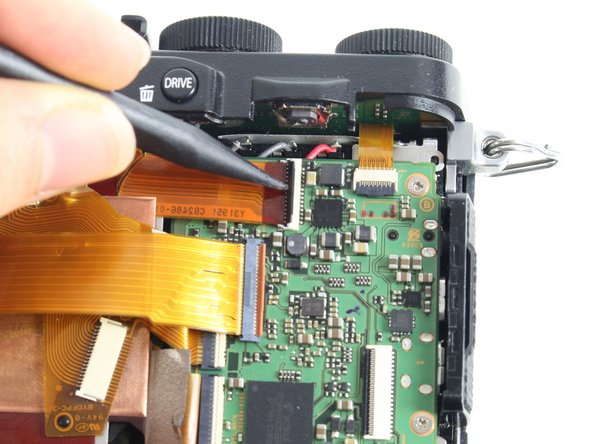
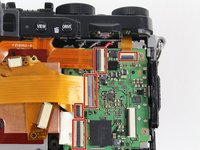
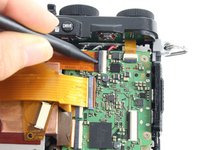
    5. Fujifilm X30 Motherboard Replacement: adım 8, 3 resimden 1. Fujifilm X30 Motherboard Replacement: adım 8, 3 resimden 2. Fujifilm X30 Motherboard Replacement: adım 8, 3 resimden 3.
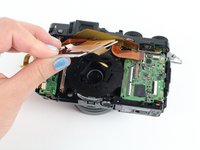
      • For all five indicated orange strips:

      • Use a spudger to lift up the tab holding the orange strip and slide the strip out to disconnect it.

      FixBot'a Sor

      Yorum Ekle

    6. Fujifilm X30 Motherboard Replacement: adım 9, 1 resimden 1.
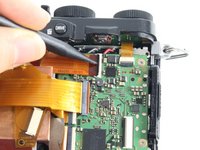
      • For the last orange strip located behind the top strip:

      • Use a spudger to lift up the tab holding the orange strip and slide the strip out to disconnect it.

      FixBot'a Sor

      Yorum Ekle

    7. Fujifilm X30 Motherboard Replacement: adım 10, 1 resimden 1.
      • This step is required if you are doing a full disassembly, but can be skipped if you are only removing the motherboard.

      • For the two orange strips attached to the capacitor circuitboard:

      • Use a spudger to lift up the tab holding the orange strip and slide the strip out to disconnect it.

      FixBot'a Sor

      Yorum Ekle

    8. Fujifilm X30 Motherboard Replacement: adım 11, 3 resimden 1. Fujifilm X30 Motherboard Replacement: adım 11, 3 resimden 2. Fujifilm X30 Motherboard Replacement: adım 11, 3 resimden 3.
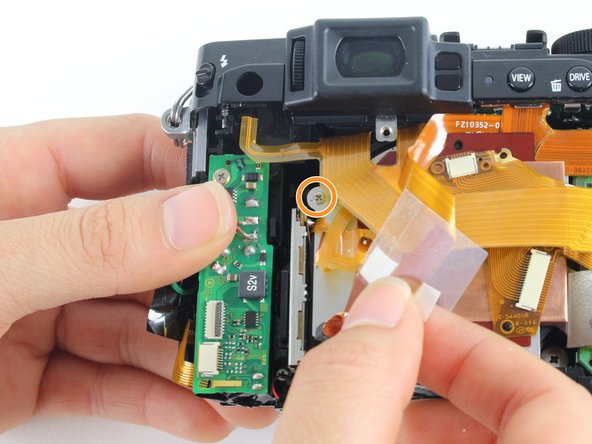
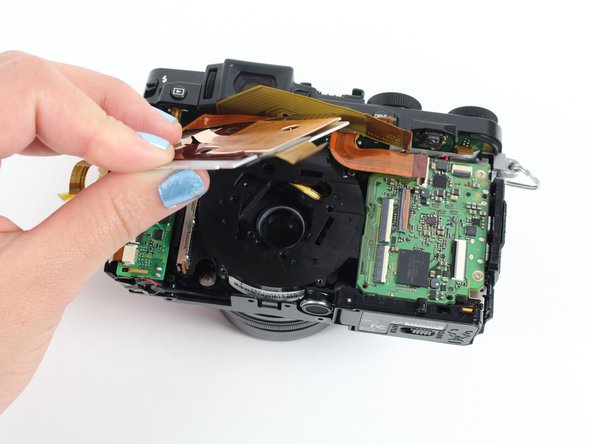
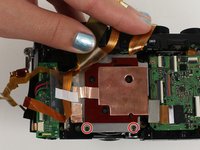
      • Remove all screws listed below using a Phillips #000 screwdriver:

      • Remove the two 3.4 mm screws at the bottom of the silver plate.

      • Hold back the clear strip to reveal a 2.8 mm screw on the left of the silver plate and remove it.

      • Peel back the copper plate.

      FixBot'a Sor

      Yorum Ekle

    9. Fujifilm X30 Motherboard Replacement: adım 12, 1 resimden 1.
      • Remove the three 2.6 mm screws located in the top two corners and the bottom right corner of the motherboard using a Phillips #000 screwdriver.

      FixBot'a Sor

      Yorum Ekle

    10. Fujifilm X30 Motherboard Replacement: adım 13, 2 resimden 1. Fujifilm X30 Motherboard Replacement: adım 13, 2 resimden 2.
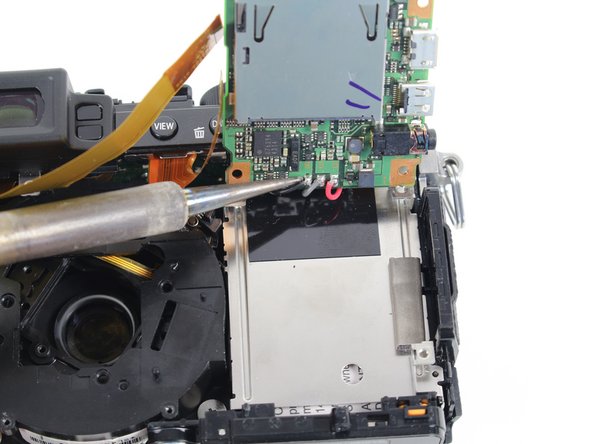
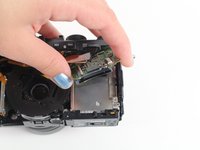
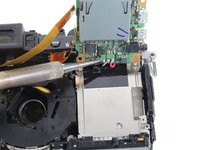
      • Tilt up the motherboard to locate the black, grey, and red wires.

      • Desolder these wires in order to completely remove the motherboard.

      • You can learn about soldering techniques here.

      FixBot'a Sor

      Yorum Ekle

Sonuç

To reassemble your device, follow these instructions in reverse order.

İptal et: Bu kılavuzu tamamlamadım.

2 farklı kişi bu kılavuzu tamamladı.

Tori Baker

Üyelik tarihi: 01/11/16

262 İtibar

1 Kılavuz yazıldı

Ekip

Cal Poly, Team 70-3, Forte Winter 2016 Cal Poly, Team 70-3, Forte Winter 2016 üyesi

CPSU-FORTE-W16S70G3

5 Üyeler

28 adet Kılavuz yazıldı

2Kılavuz Yorumları

On step 11 becareful not to detach flex surface from aluminium plate. You could end up braking CCD contacts as I did.

arnau COSTA BEAL - Yanıt Paylaş

Hello, can anybody tell me where i can find the Fuji X30 Motherboard as a spare part? Mine is broken and i don’t want to throw away the camera…. but I don’t find any shop. Thanks for help! Cheers

Dan - Yanıt Paylaş

Yorum Ekle

İstatistikleri Görüntüle:

Son 24 Saat: 4

Son 7 gün: 16

Son 30 gün: 87

Her zaman: 4,616