Giriş
This repair guide was authored by the iFixit staff and hasn’t been endorsed by Google. Learn more about our repair guides here.
Use this guide to replace a cracked, broken, or non-responsive screen on your Google Pixel Watch 4.
This guide was written using a 41 mm LTE model Pixel Watch 4. While some photos may contain slight visual discrepancies, procedures for all 41 mm and 45 mm models are functionally the same.
Neye ihtiyacın var
-
-
Before starting your repair:
-
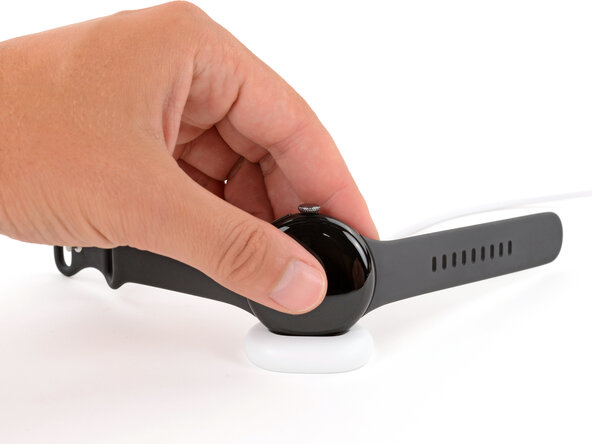
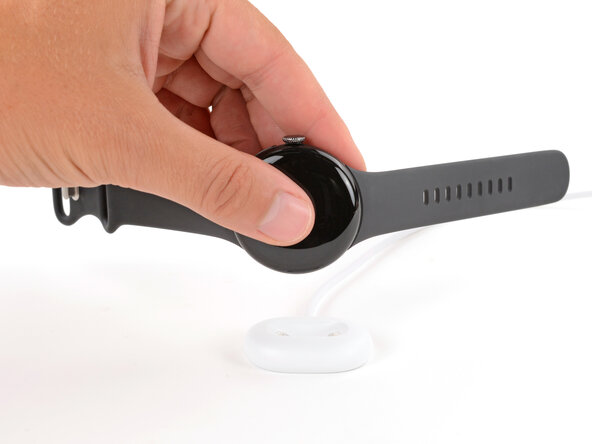
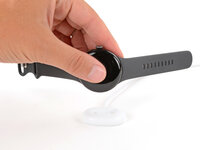
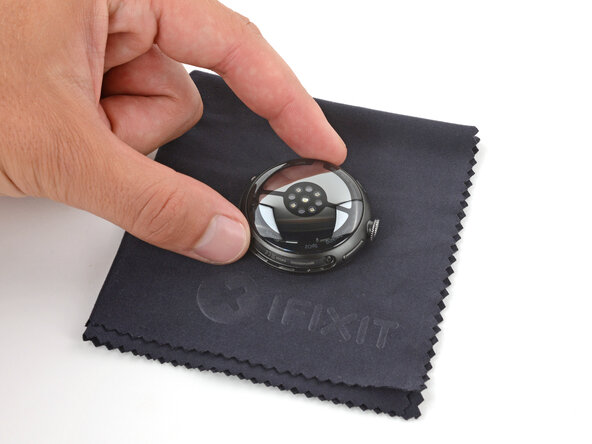
Remove your watch from the charger.
-
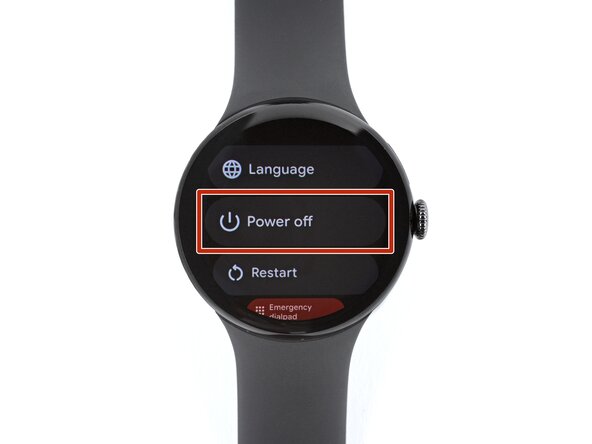
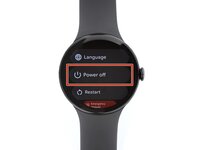
Press and hold the crown button, then tap Power off to shut down your watch.
-
-
-
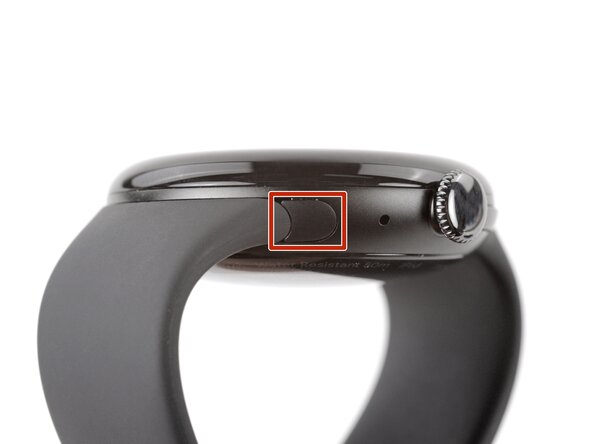
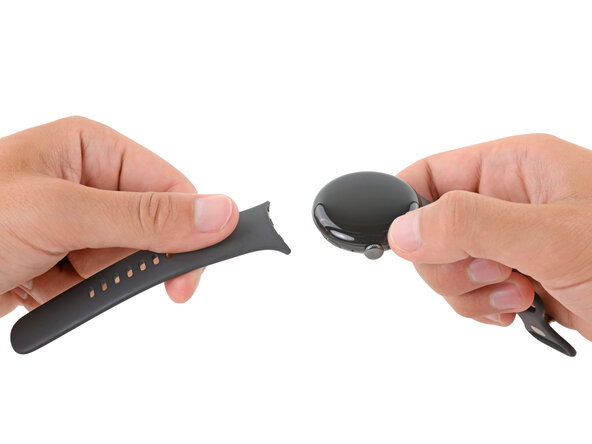
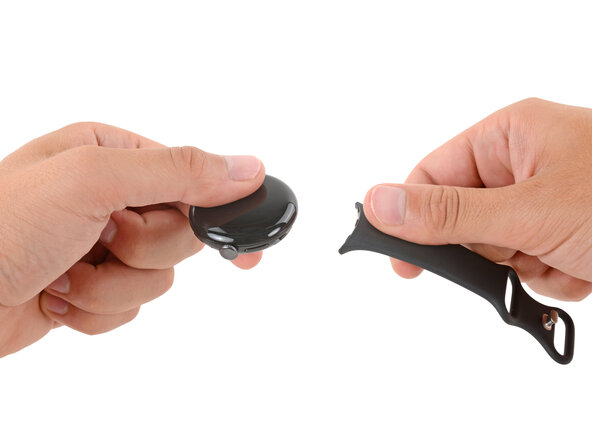
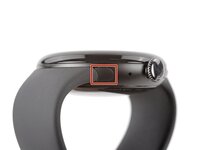
Remove each watch band by depressing the release button and sliding the band out of its groove.
-
-
-
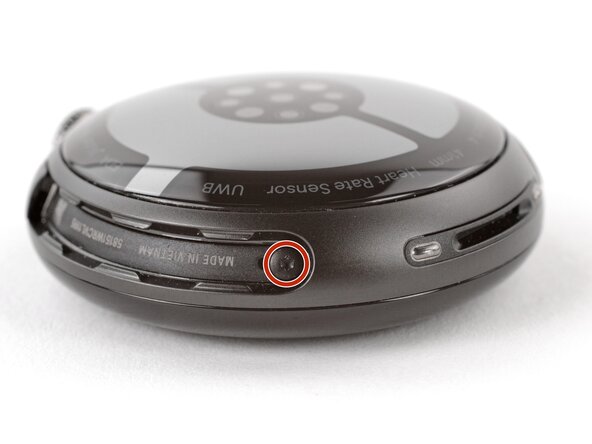
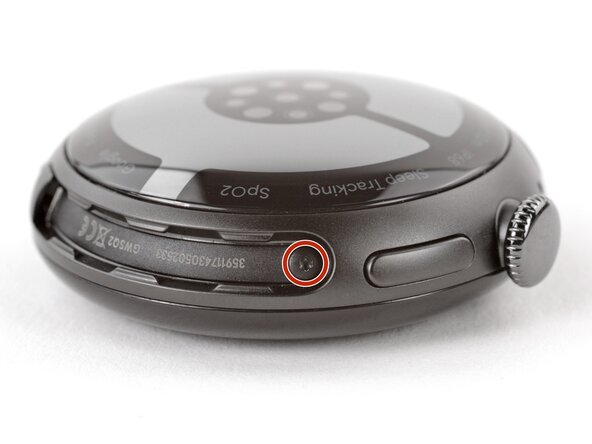
Use a Torx Plus 2IP screwdriver to remove the 3.0 mm‑long screw from both watch band grooves (two screws total).
-
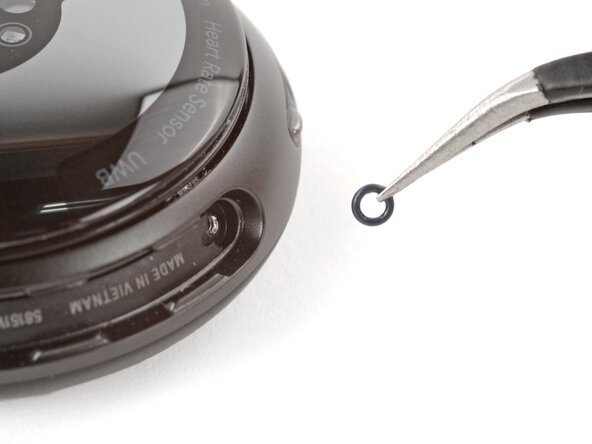
Make sure the O‑rings are on the screws before installing them.
-
Push down firmly on the back glass while installing the screws to make sure the glass gets properly seated.
-
-
-
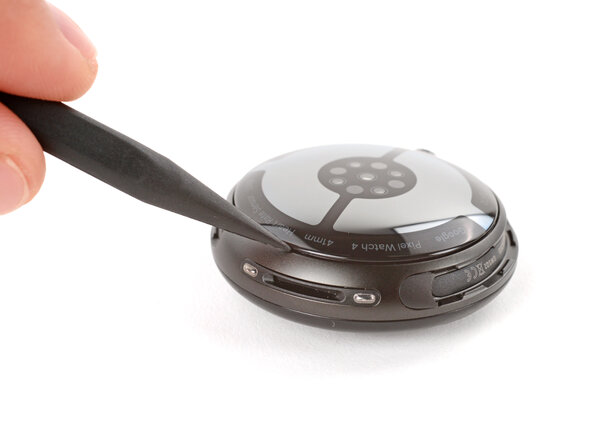
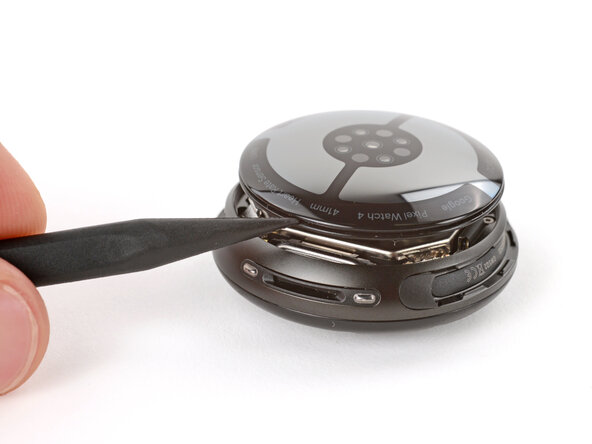
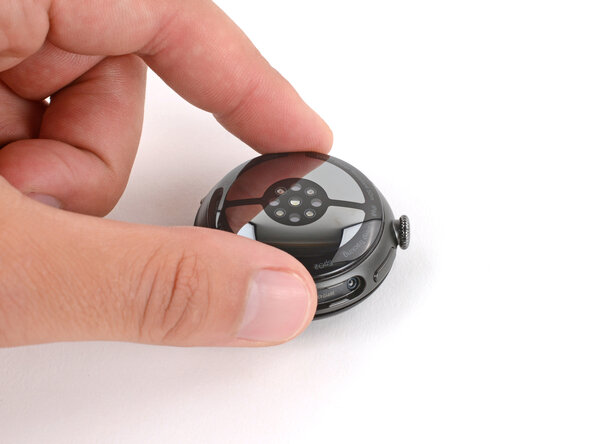
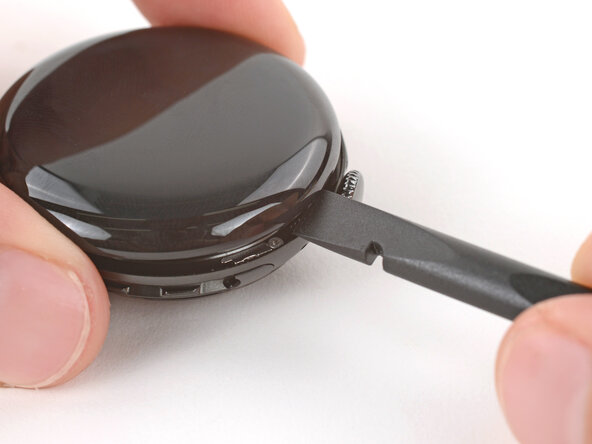
Insert the point of a spudger (or a clean fingernail) into the seam between the back sensor glass and frame and pry up until the cover detaches.
-
-
-
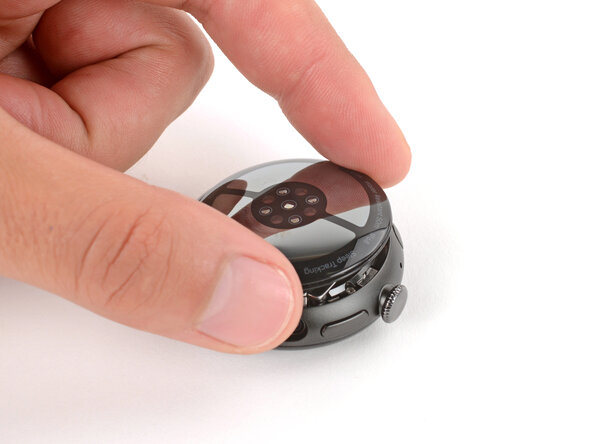
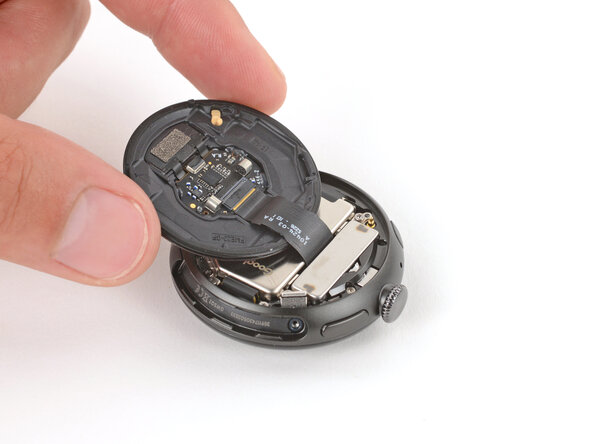
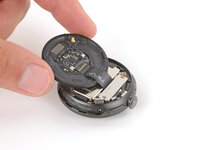
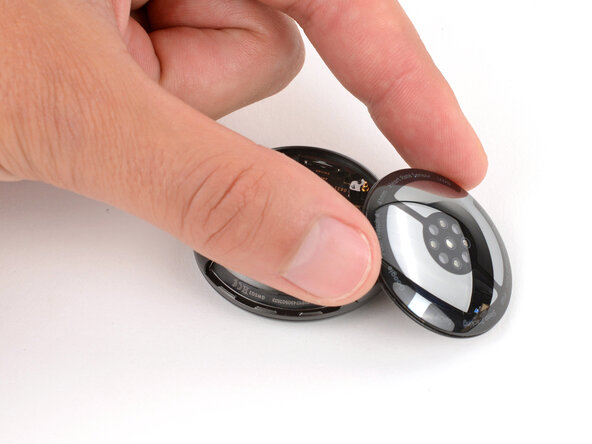
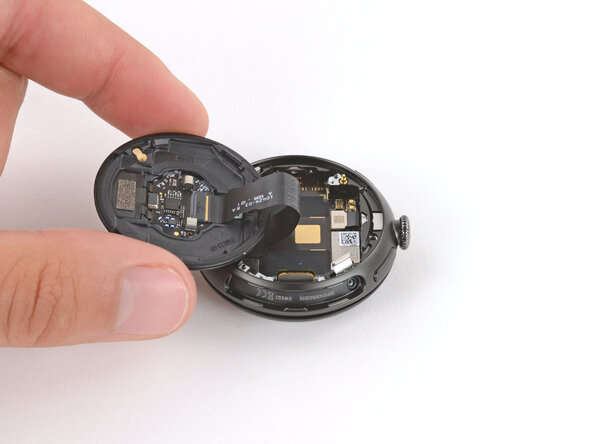
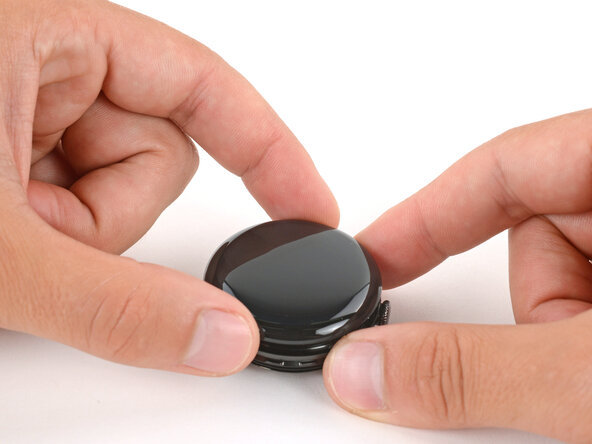
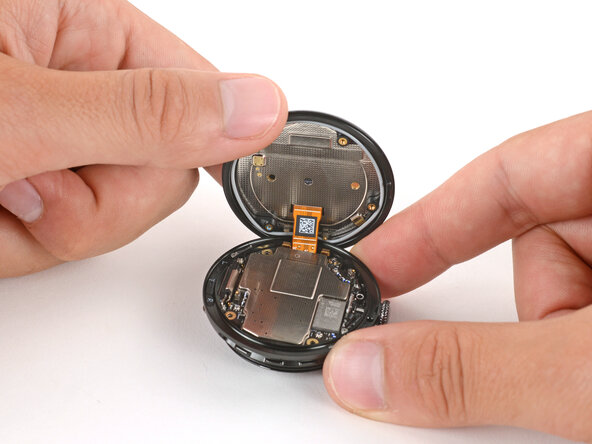
Gently lift the back glass and flip it over the side of the watch opposite the crown.
-
-
-
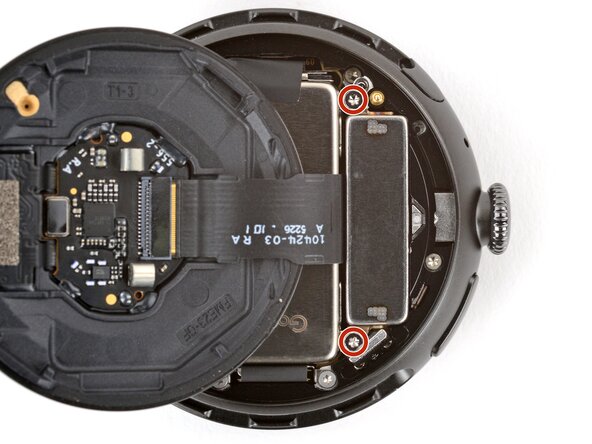
Use a Torx Plus 2IP screwdriver to remove the two 2.2 mm‑long screws securing the vibration motor.
-
-
-
-
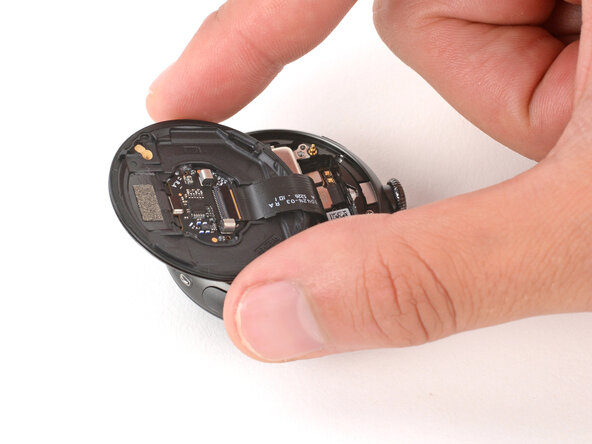
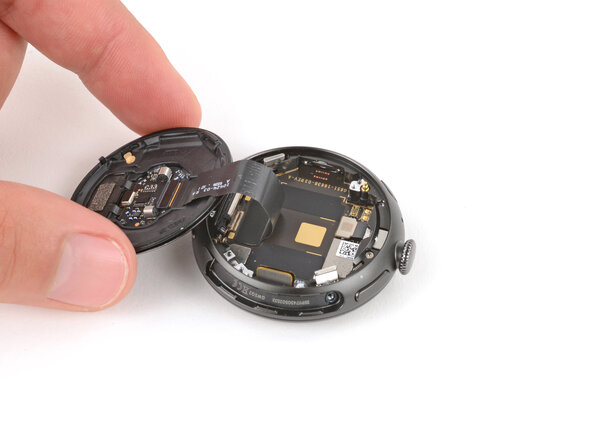
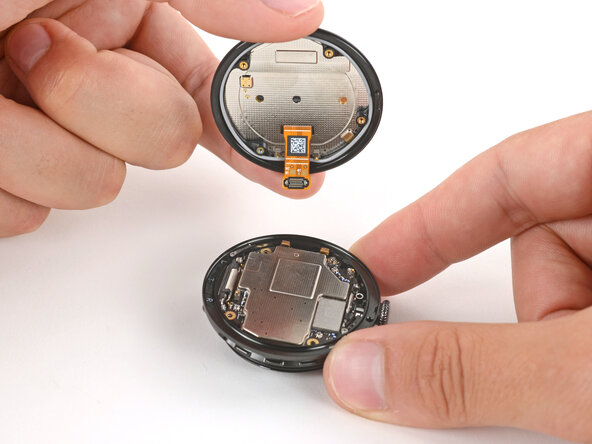
Gently flip the back sensor glass over the crown-side of the watch.
-
-
-
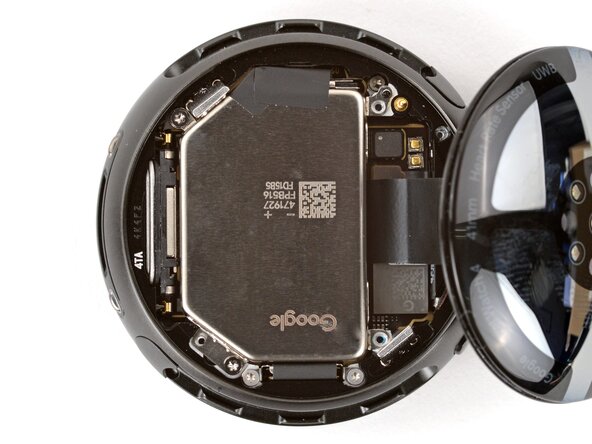
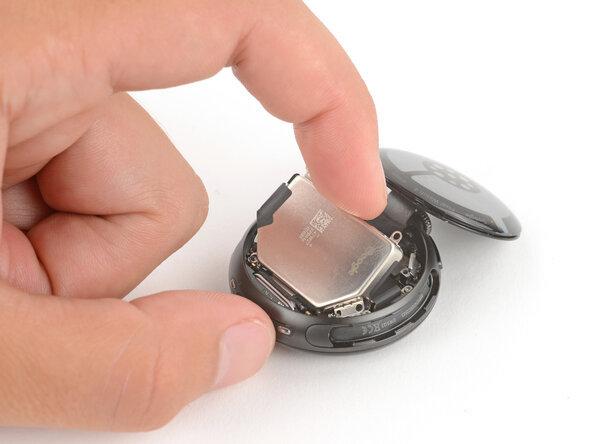
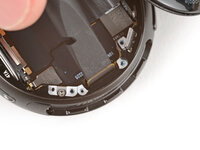
Use the point of a spudger to pry up and disconnect the battery press connector.
-
If you're having trouble, loosen the two battery screws and reposition the connector. Once connected, re-tighten the battery screws.
-
-
-
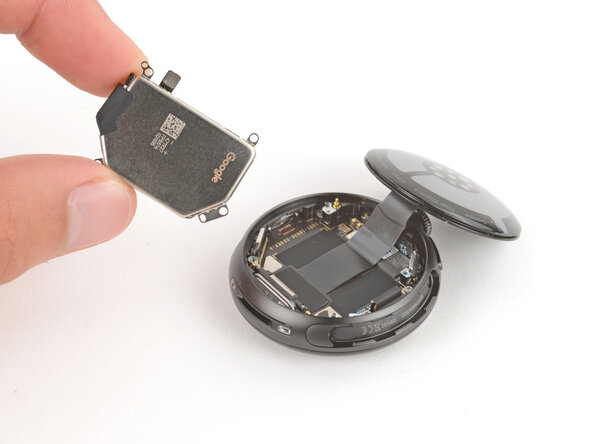
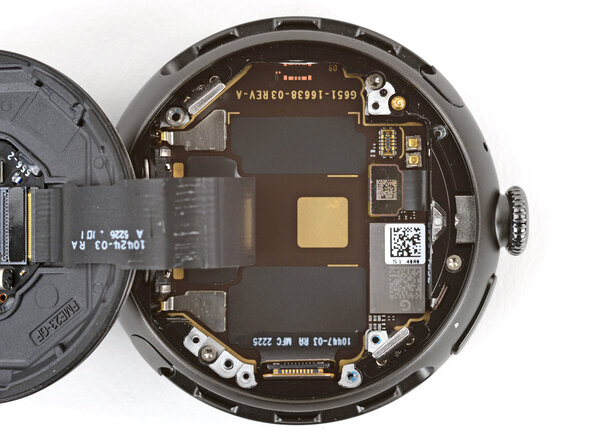
Use a Torx Plus 2IP screwdriver to remove the two 2.2 mm‑long screws securing the battery.
-
-
-
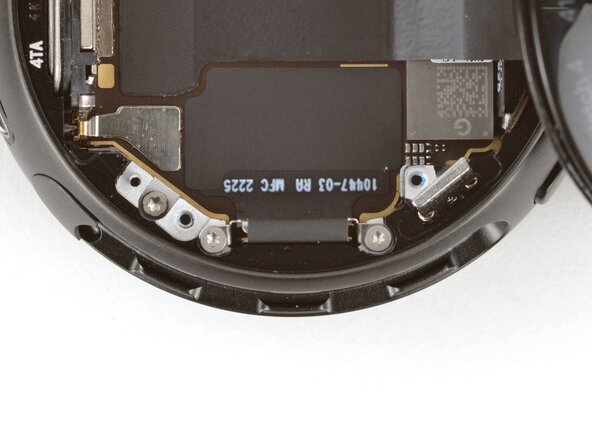
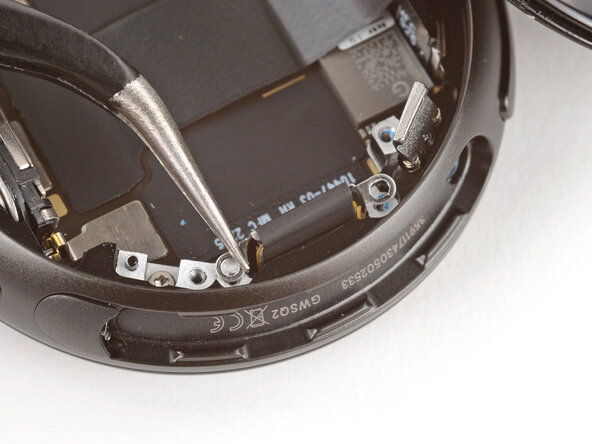
Use a Torx Plus 1IP screwdriver to remove the two 2.0 mm‑long screws seucuring the screen cable bracket.
-
-
-
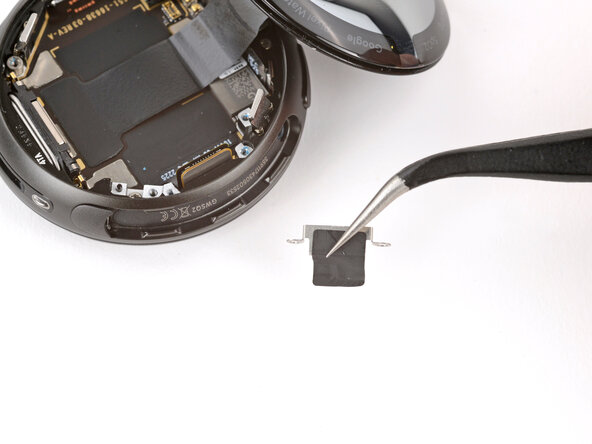
Use tweezers to flip the bracket up and slowly peel it off the connector, being careful not to damage the tape.
-
-
-
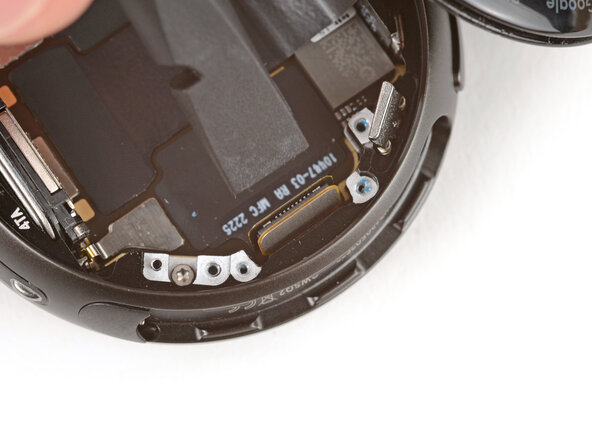
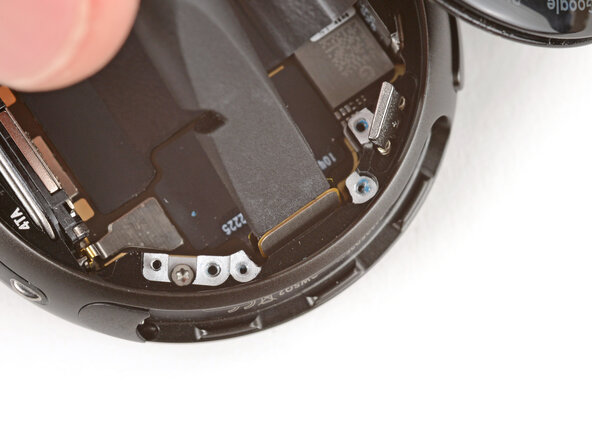
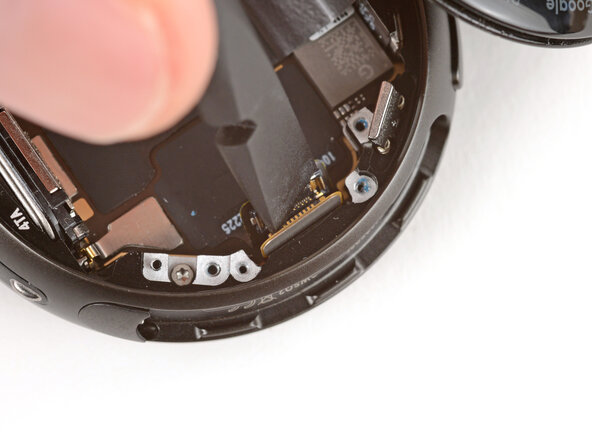
Insert the flat end of a spudger into the gap in the two screen cable press connectors.
-
Twist the spudger to disconnect the cables.
-
-
-
Gently flip the back glass over the side of the watch opposite the crown.
-
-
-
Remove the four screws securing the display:
-
One 5.1 mm‑long Torx Plus 2IP screw
-
Two 3.3 mm‑long Torx Plus 2IP screws
-
One 4.2 mm‑long Torx Plus 5IP standoff screw
-
-
-
Flip the back sensor glass into place and flip your watch over so the screen faces up.
-
-
-
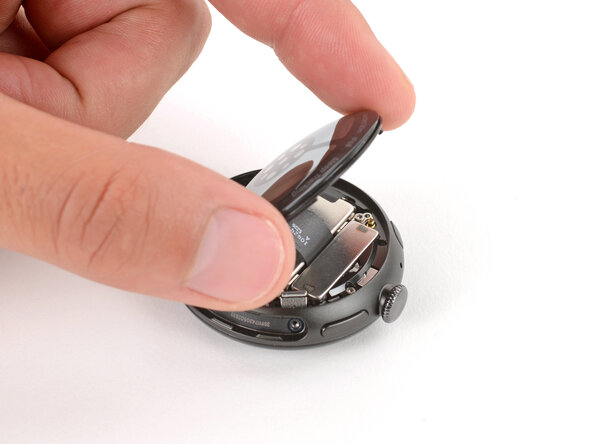
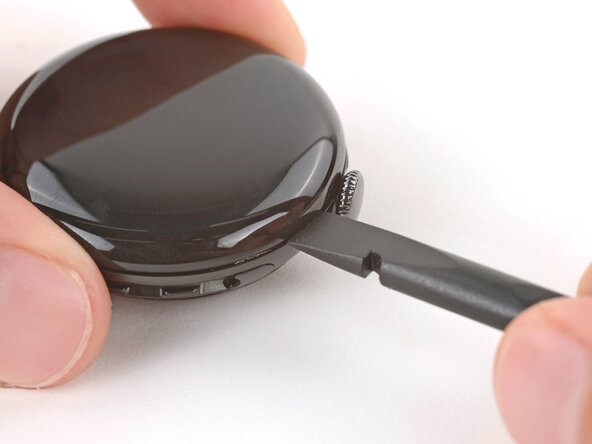
Insert the flat end of a spudger in the seam between the screen and frame and twist the spudger to separate the screen.
-
-
-
Lift the display up and carefully guide the screen cable out of its cutout to remove the screen.
-
-
-
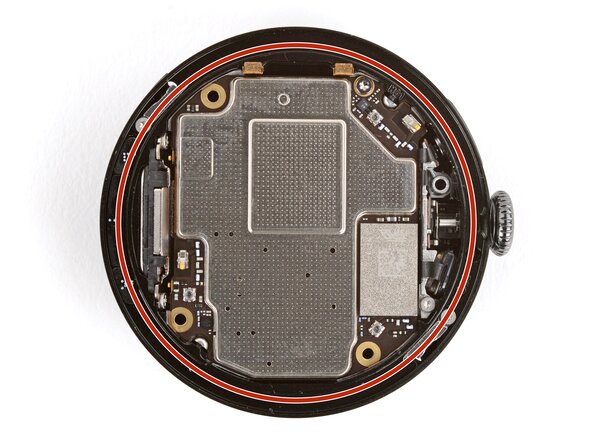
Use a pair of tweezers to remove the screen O‑ring—it will either be stuck to the frame or the underside of the screen.
-
If the O‑ring's groove is dirty or has gunk built up, apply a few drops of high‑concentration (>90%) isopropyl alcohol to a cotton swab and wipe it clean.
-
Place the new O‑ring loosely onto its lip on the frame.
-
Use your fingers to hold the O-ring in place and use a spudger to slide the opposite side up and over the lip until it seats in its groove.
-
Make sure the entire O‑ring is properly seated in its groove before continuing reassembly.
-




























To reassemble your device, follow these instructions in reverse order.
Take your e-waste to an R2 or e-Stewards certified recycler.
Repair didn’t go as planned? Try some basic troubleshooting, or ask our Answers community for help.


