Giriş
This repair guide was authored by the iFixit staff and hasn’t been endorsed by Google. Learn more about our repair guides here.
This is a prerequisite guide! This guide is part of another procedure and is not meant to be used alone.
Use this guide to disconnect the battery in the Google Pixel 6 Pro.
Neye ihtiyacın var
-
Bu adımda kullanılan alet:Clampy - Anti-Clamp$24.95
-
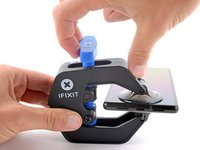
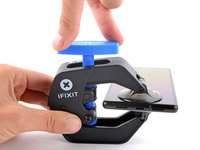
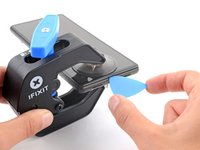
Pull the blue handle backwards to unlock the Anti-Clamp's arms.
-
Slide the arms over either the left or right edge of your phone.
-
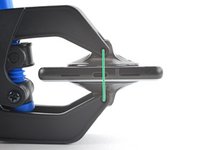
Position the suction cups near the bottom edge of the phone—one on the front, and one on the back.
-
Squeeze the cups together to apply suction.
-
-
-
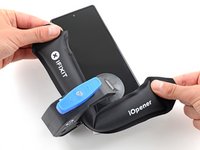
Heat an iOpener and thread it through the arms of the Anti-Clamp.
-
Fold the iOpener so it lays on the bottom edge of the phone.
-
Wait one minute to give the adhesive a chance to release and present an opening gap.
-
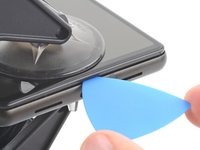
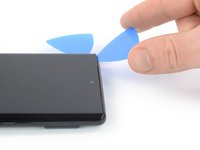
Insert an opening pick under the screen frame when the Anti-Clamp creates a large enough gap.
-
Skip the next two steps.
-
-
-
Apply a heated iOpener to the screen to loosen the adhesive underneath. Apply the iOpener for at least 3 minutes.
-
-
-
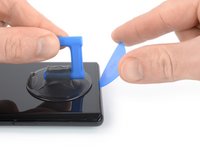
Once the screen is warm to the touch, apply a suction handle to the bottom edge of the screen.
-
Lift the screen including its safety frame with the suction handle to create a small gap between the screen and the phone assembly.
-
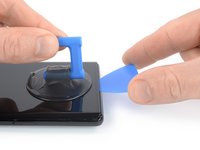
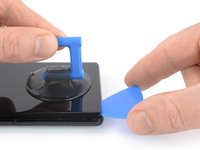
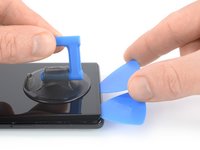
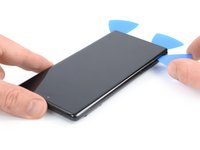
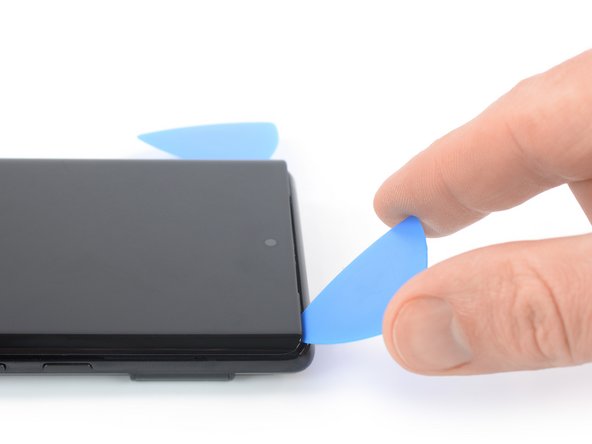
Insert an opening pick into the gap between the screen frame and the phone assembly.
-
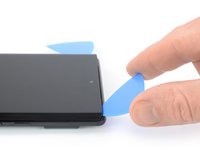
Slide the opening pick to the bottom left corner of the screen to slice its adhesive.
-
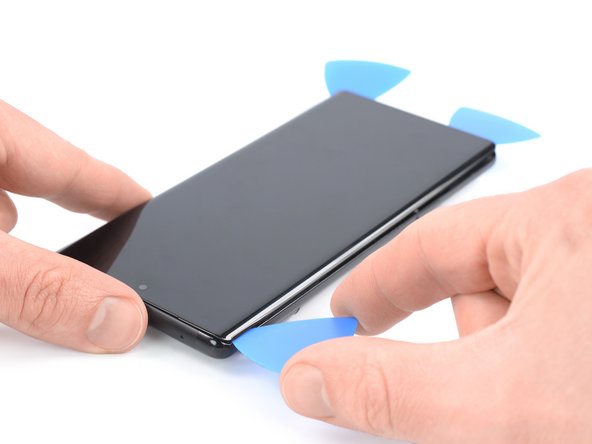
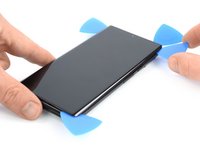
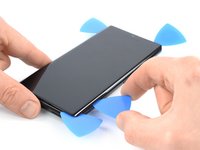
Leave the opening pick in place to prevent the adhesive from resealing.
-
-
-
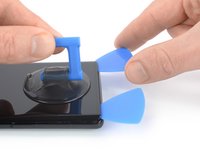
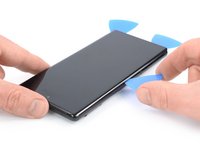
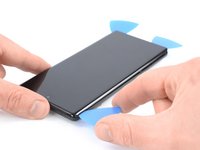
Insert a second opening pick at the bottom edge and slide it to the bottom right corner of the screen to slice the adhesive.
-
Leave the opening pick in place to prevent the adhesive from resealing.
-
-
-
-
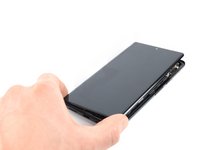
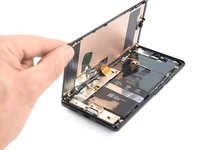
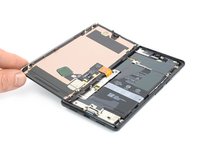
Carefully fold the screen to the left side of the phone assembly like you would open the front cover of a book.
-
-
Bu adımda kullanılan alet:Magnetic Project Mat$19.95
-
Use a Torx T3 screwdriver to remove the 2.0 mm-long 3IP Torx Plus screw securing the display cable metal bracket.
-
-
Bu adımda kullanılan alet:Tweezers$4.99
-
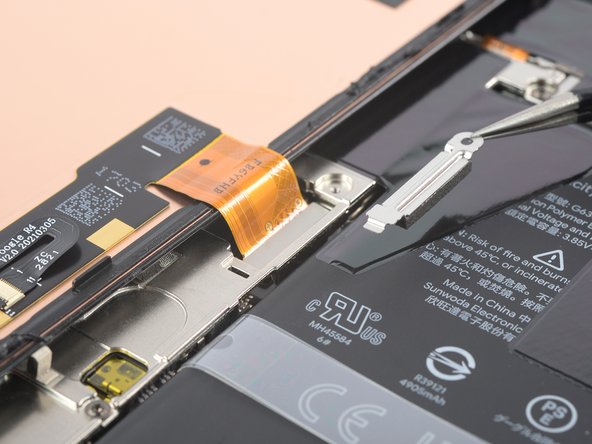
Use a pair of tweezers to remove the metal bracket sitting on top of the display cable connector.
-
-
-
Use a spudger to disconnect the display flex cable by prying the connector straight up from its socket.
-
-
-
When handling your screen, grip it by its edges.
-
When placing the screen on your work area, make sure nothing is touching the bottom of the screen. Consider placing it on a soft, lint-free cloth.
-
-
-
Remove the screen.
-
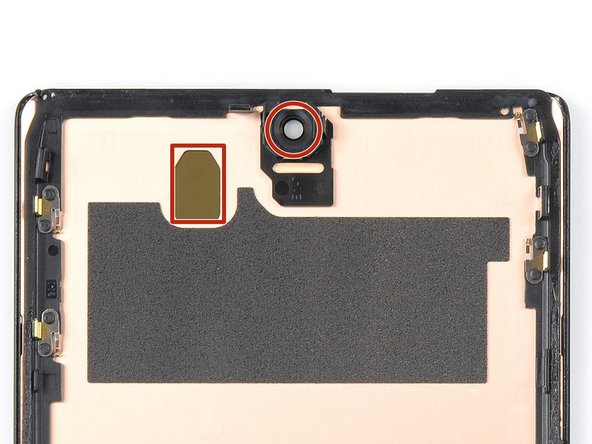
If you replaced the screen, check the screen's front-facing camera hole and sensor cutout for any protective liners. Remove these liners before you close the phone up.
-
This is a good point to test your phone before sealing it up. Temporarily connect your screen, power on your phone, and make sure it works as expected. Before continuing with reassembly, power off your phone and disconnect the screen.
-
Follow this guide if you're using custom-cut adhesives for your device.
-
Follow this guide in case you're using a pre-cut adhesive card.
-
If you're installing a new screen, follow this guide to calibrate the fingerprint sensor.
-
-
-
Apply a heated iOpener or a heat gun to the rear glass to loosen the adhesive underneath the graphite films on top of the battery. Apply the iOpener for at least two minutes.
-
-
Bu adımda kullanılan alet:Tweezers$4.99
-
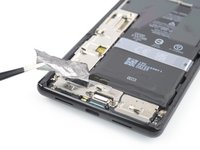
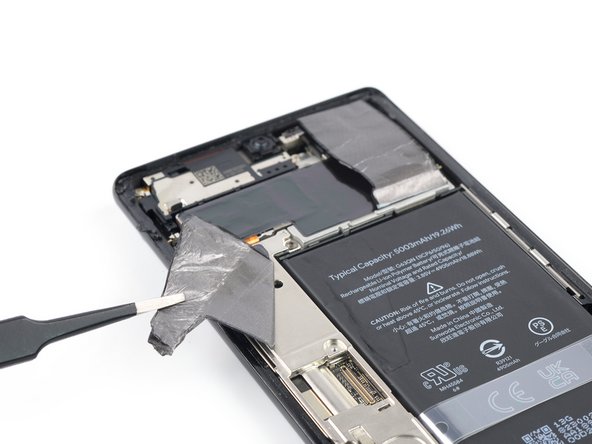
Use a pair of blunt nose tweezers or a clean fingernail to carefully peel the black graphite film off the bottom edge of the battery and the motherboard shield.
-
Remove the graphite film.
-
-
-
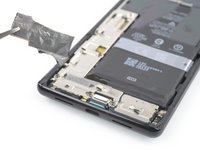
Use a pair of blunt nose tweezers or a clean fingernail to carefully peel the black graphite film off the top right corner of the battery.
-
Fold the graphite film in direction of the selfie camera to get free access to the battery.
-
-
-
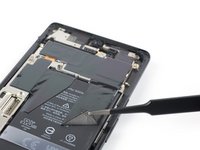
Use a pair of blunt nose tweezers or a clean fingernail to carefully peel the black graphite film off the left edge of the battery and the motherboard shield.
-
-
-
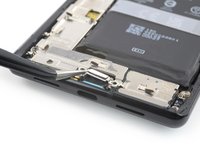
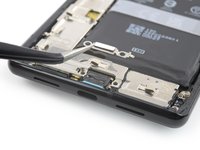
Use a Torx T3 screwdriver to remove the two 5.1 mm-long 3IP Torx Plus screws securing the charging port metal bracket.
-
-
-
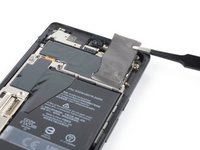
Use a pair of tweezers to remove the charging port bracket.
-
-
-
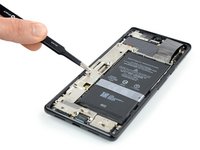
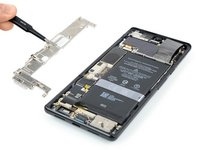
Use a Torx T3 screwdriver to remove the five 5.1 mm-long 3IP Torx Plus screws securing the motherboard cover.
-
-
-
Use a pair of tweezers or your fingers to carefully remove the motherboard cover.
-
-
-
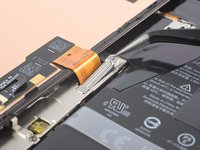
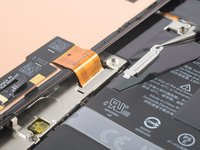
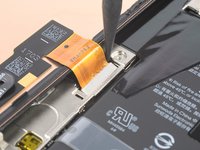
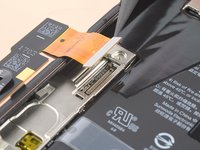
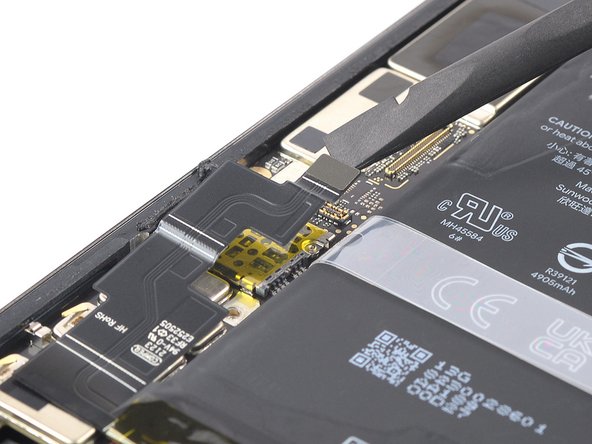
Use a spudger to disconnect the battery cable by prying the connector straight up from its socket.
-

































To reassemble your device, follow these instructions in reverse order.
İptal et: Bu kılavuzu tamamlamadım.
Bir başkası bu kılavuzu tamamladı.



