Ana içeriğe geç

PDP Rematch Advanced Vibration Motors Replacement

Neye ihtiyacın var

  1. PDP Rematch Advanced Vibration Motors Replacement, Vibration Motors: adım 1, 3 resimden 1. PDP Rematch Advanced Vibration Motors Replacement, Vibration Motors: adım 1, 3 resimden 2. PDP Rematch Advanced Vibration Motors Replacement, Vibration Motors: adım 1, 3 resimden 3.
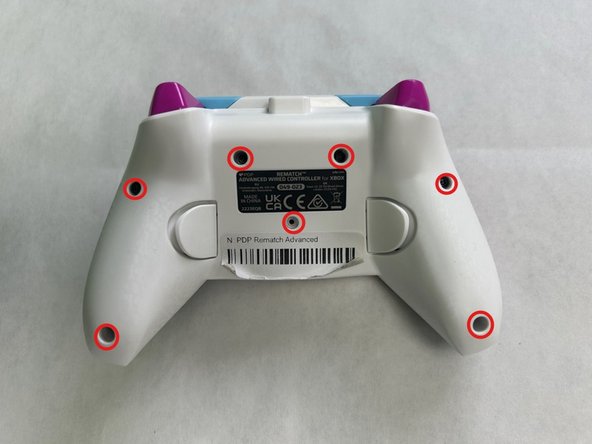
    • Orient the controller so the back side is facing up.

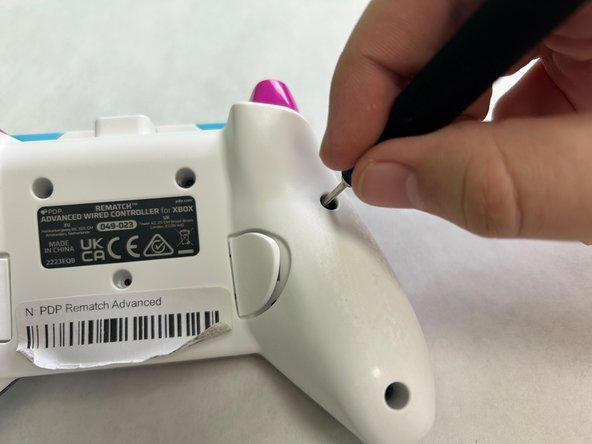
    • Use a Phillips #000 screwdriver to remove the seven 9 mm screws that secure the back shell.

  2. PDP Rematch Advanced Vibration Motors Replacement: adım 2, 3 resimden 1. PDP Rematch Advanced Vibration Motors Replacement: adım 2, 3 resimden 2. PDP Rematch Advanced Vibration Motors Replacement: adım 2, 3 resimden 3.
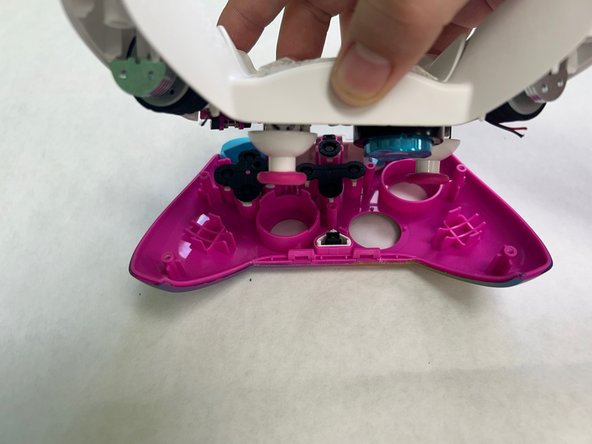
    • Make sure the front shell of the controller is facing your work surface to prevent the face buttons from falling out.

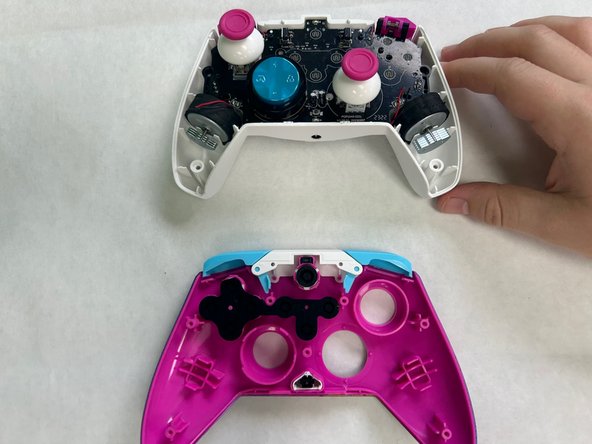
    • Pull apart the controller's front and back shell with moderate force.

  3. PDP Rematch Advanced Vibration Motors Replacement: adım 3, 2 resimden 1. PDP Rematch Advanced Vibration Motors Replacement: adım 3, 2 resimden 2.
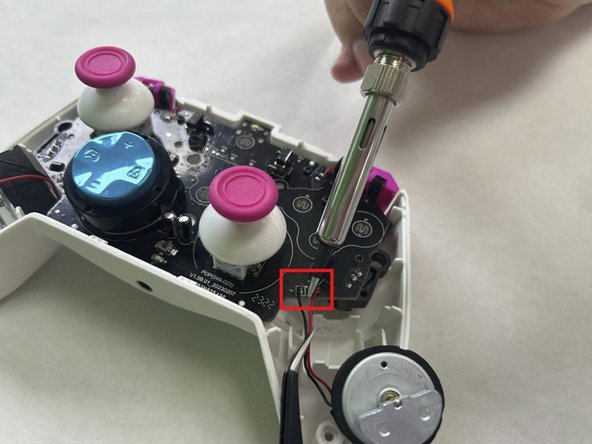
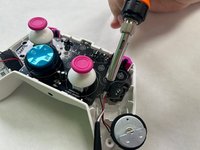
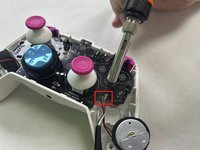
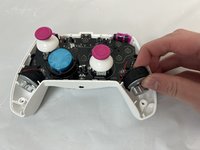
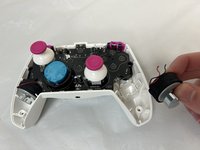
    • Use a soldering iron to desolder the two wires connecting the vibration motor to the motherboard.

    • Repeat for the other vibration motor if necessary.

  4. PDP Rematch Advanced Vibration Motors Replacement: adım 4, 2 resimden 1. PDP Rematch Advanced Vibration Motors Replacement: adım 4, 2 resimden 2.
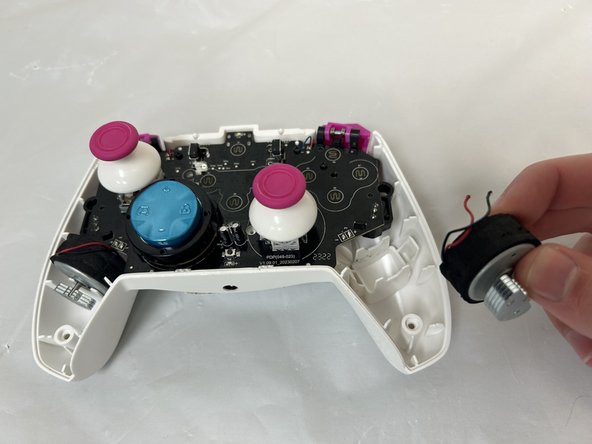
    • Grab the motor and pull away from the back shell to remove the vibration motor.

Sonuç

To reassemble your device, follow the above steps in reverse order.
Take your e-waste to an R2 or e-Stewards certified recycler.
Repair didn’t go as planned? Try some basic troubleshooting or ask our Answers community for help.

Bir başkası bu kılavuzu tamamladı.

Dylan Newcomb

Üyelik tarihi: 09/23/24

109 İtibar

1 Kılavuz yazıldı

0Kılavuz Yorumları

Yorum Ekle

İstatistikleri Görüntüle:

Son 24 Saat: 0

Son 7 gün: 3

Son 30 gün: 21

Her zaman: 194