Giriş
Use this guide to replace a worn‑out or dead battery in your Polaroid Now (Gen 3) instant camera.
The lithium‑ion battery in your Polaroid Now (Gen 3) camera has a limited lifespan. If your camera dies quickly and doesn't hold a charge, it may be time to replace the battery.
Neye ihtiyacın var
-
-
If you have any film left, take some photos! Then remove the cartridge. Disassembly will expose any leftover film.
-
Unplug and fully power down your camera.
-
Put on the lens cap to avoid scratching your lens during disassembly.
-
-
-
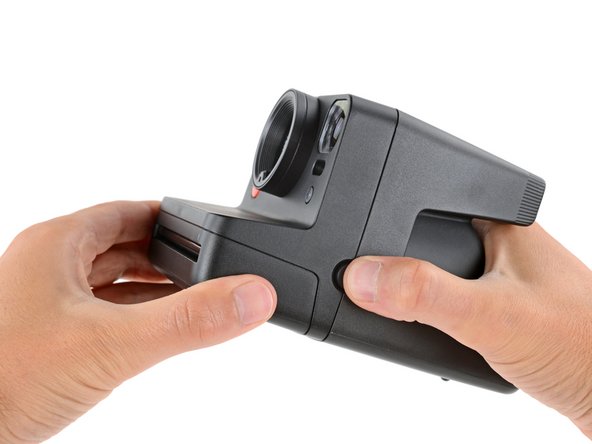
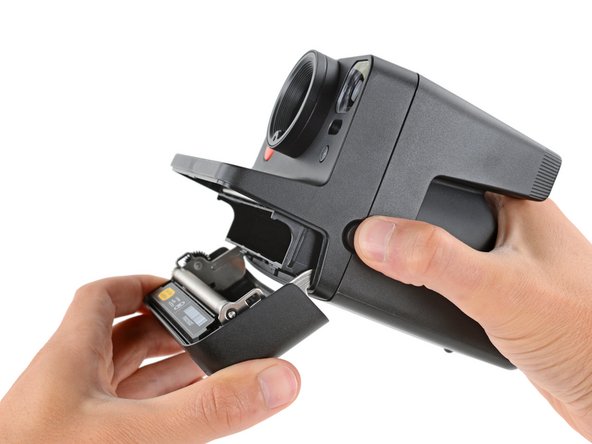
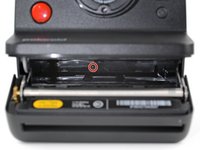
Hold down the latch on the left side of the camera and open the film door.
-
-
Bu adımda kullanılan alet:Magnetic Project Mat$16.96
-
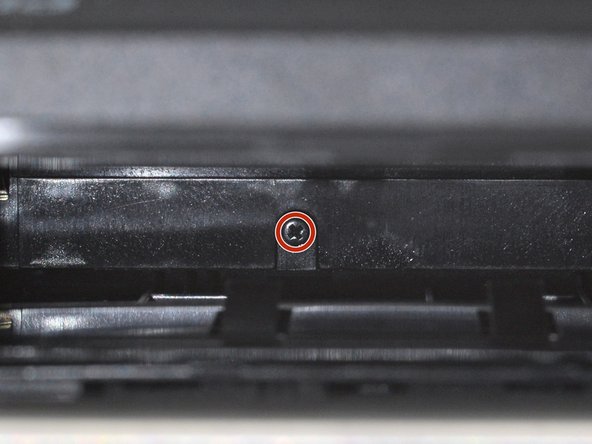
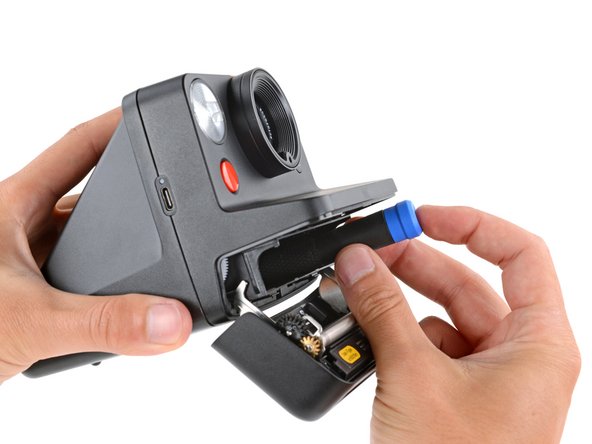
Use a Phillips screwdriver to remove the 5.9 mm‑long screw securing the rear shell.
-
-
-
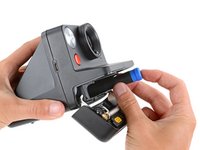
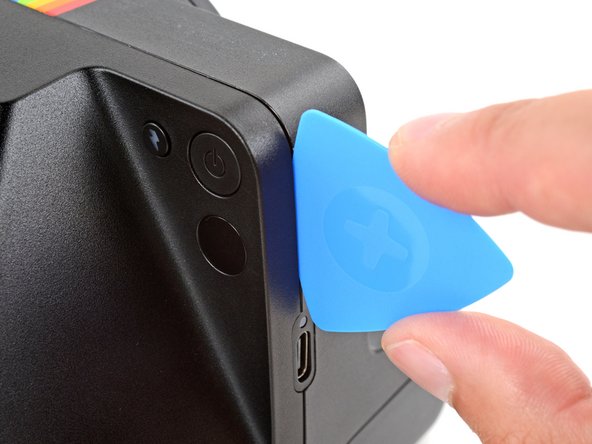
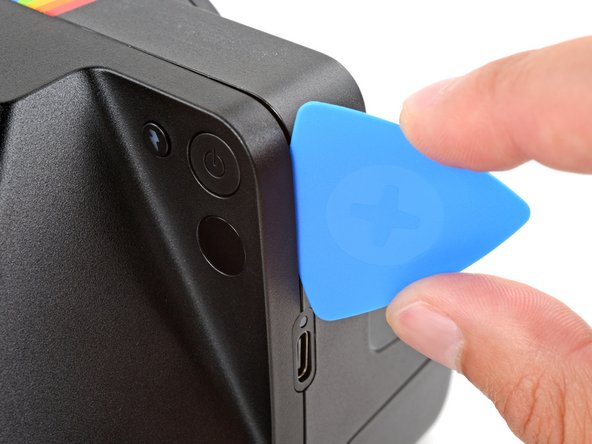
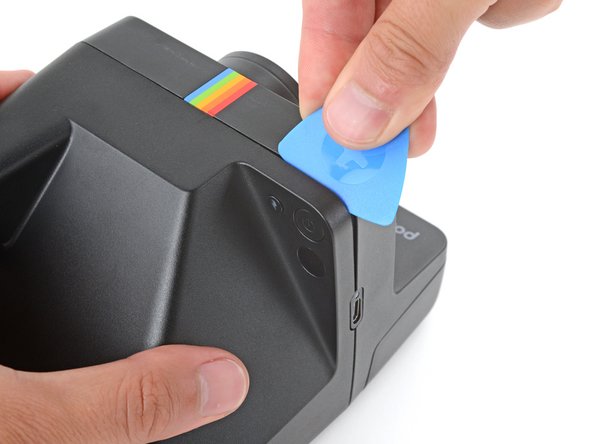
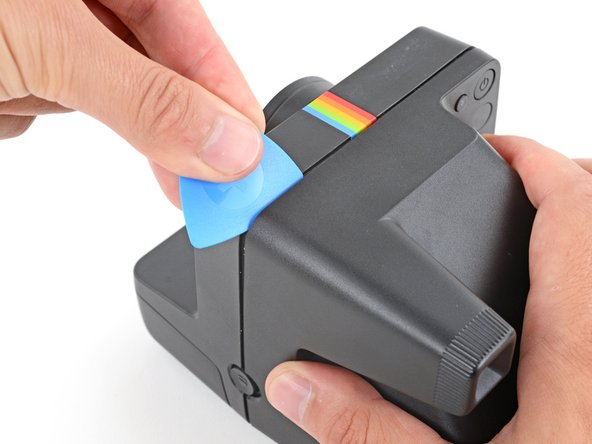
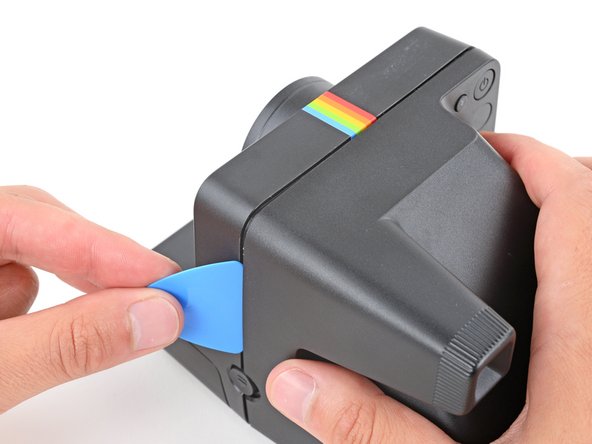
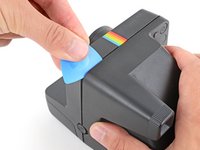
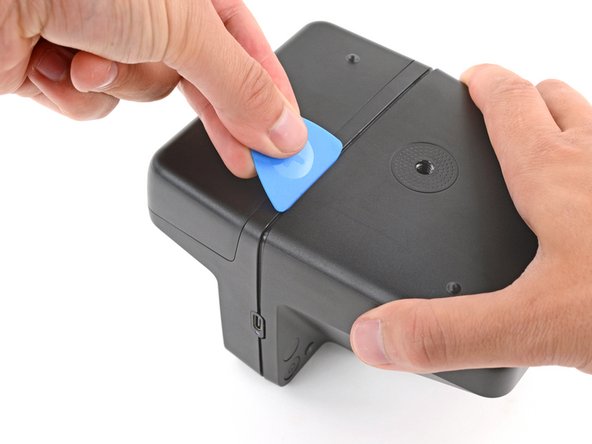
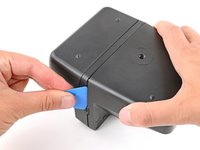
Insert the flat edge of an opening pick in the seam between the front and rear shells, just above the USB‑C port on the right edge.
-
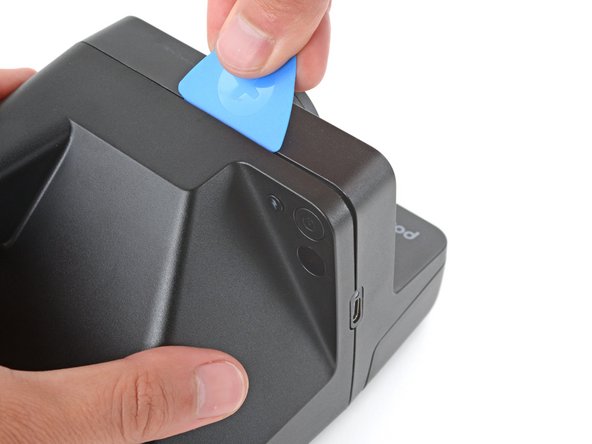
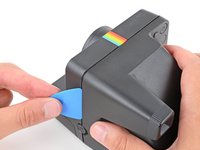
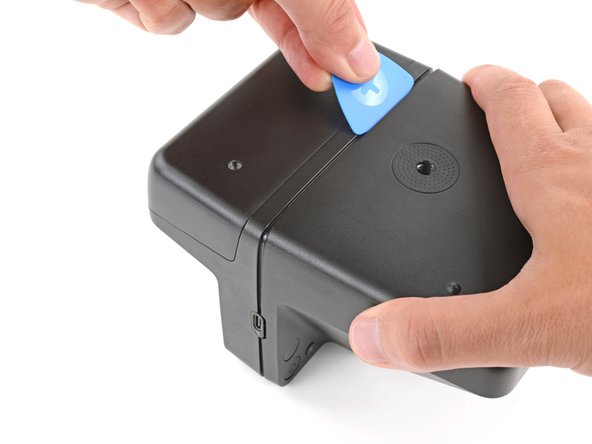
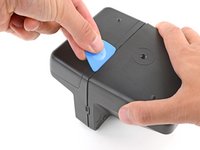
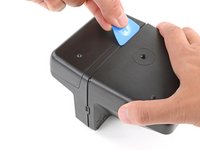
Use your pick to pry the rear shell away from the front shell.
-
-
-
-
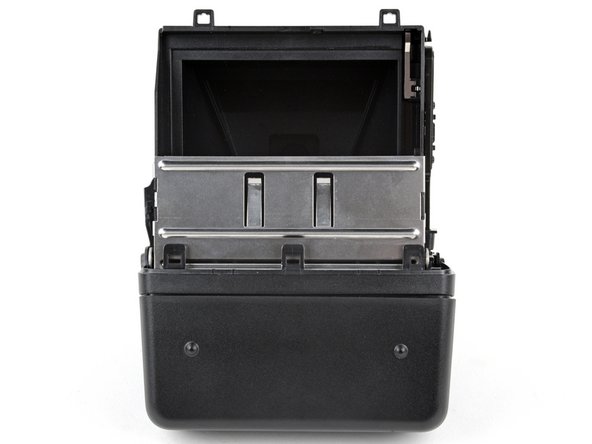
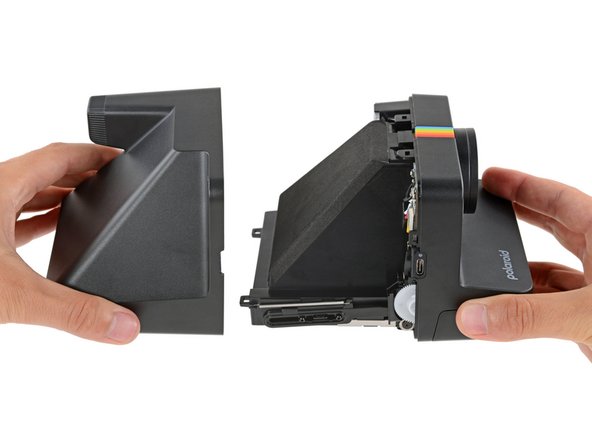
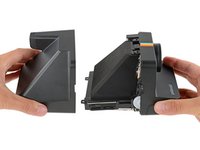
Gently pull the rear shell off the main body of the camera.
-
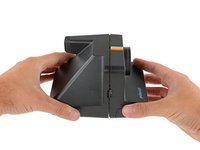
Press the shell firmly onto the main body so all the clips engage.
-
Check around the shell seam and make sure there are no gaps. If there are, firmly press the shells together to engage the clip near the gap.
-
-
-
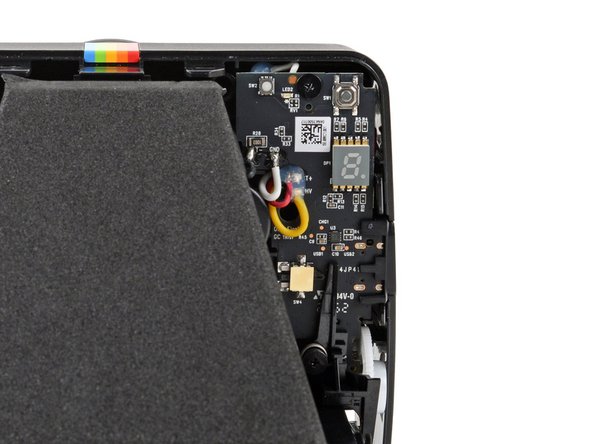
To minimize risk, avoid touching the boards, wires, and other exposed components with your fingers or metal tools. Consider wearing rubber gloves if working near the board.
-
-
-
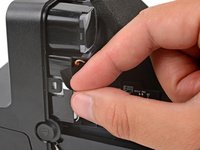
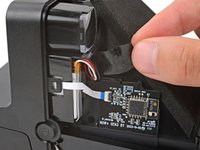
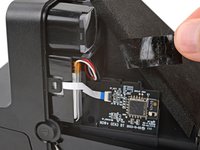
Use your fingers to remove the piece of tape securing the battery and its cables (just below the viewfinder).
-
-
-
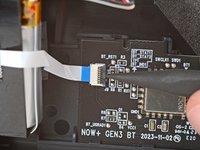
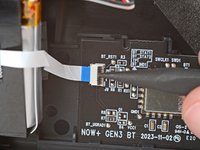
Use a spudger to flip up the hinged locking flap on the sub board ZIF connector.
-
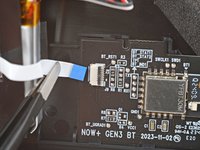
Use a pair of tweezers or your fingers to gently pull the cable straight out of its socket.
-
-
-
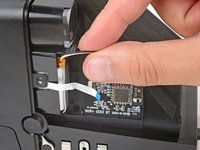
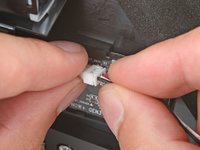
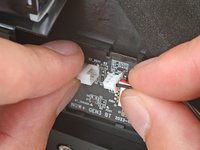
Firmly grip the larger end of the plastic battery connector with one hand and the battery's cable in the other—grip the battery cable as close to the connector as possible.
-
Pull the battery cable straight away from the connector to disconnect it.
-
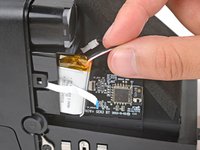
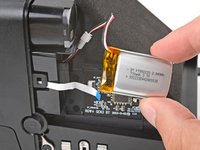
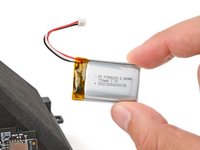
Remove the battery.
-





















To reassemble your device, follow these instructions in reverse order.
For optimal performance, calibrate your newly installed battery after completing this guide.
Take your e-waste to an R2 or e-Stewards certified recycler.
Repair didn’t go as planned? Try some basic troubleshooting, or ask our Answers community for help.



