Giriş
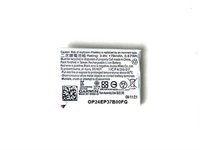
Replacing the battery of the Garmin Vívoactive 4 (M/N: 03618) is not simple, although it does not require any soldering.
You may want to replace your battery if you suspect that it is going bad or otherwise not functioning properly. Before going ahead with this, we suggest you take a look at the Device Battery Drains Fast section in our Vívoactive 4 Troubleshooting Guide.
If you notice that your battery is swollen, take precautions to avoid injury. This article, What to do with a swollen battery offers helpful information on what to do. Make sure to recycle the battery or dispose of it properly.
This guide requires the use of a heat gun and iOpener. See these articles, How to Use a Heat Gun to Soften Adhesive and iOpener Instructions for instructions and safety information.
Neye ihtiyacın var
-
-
-
Flip the watch on its back to reveal the watch band connection pins.
 FixBot'a Sor
-
-
-
Wedge your fingernail or the tip of a spudger underneath the watch band's small metal pin.
-
Push on the pin to release the strap from it's hinge.
-
Pull the strap away from the watch to disconnect it.
-
-
-
-
-
Use a heatgun to loosen the adhesive beneath the screen, it should take a 5-10 minutes for adhesive to loosen.
-
-
-
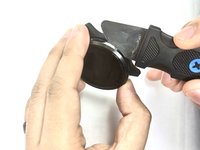
Wedge a thin opening tool or your iFixit Jimmy in between the seam where the screen and the watch’s housing connect.
-
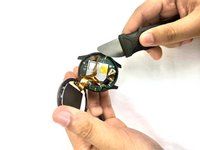
Pry the screen off the device.
-
-
-
-
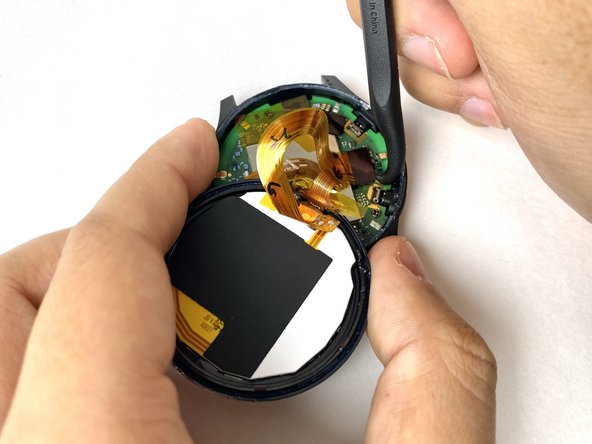
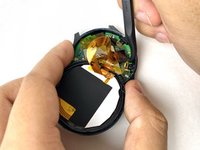
Carefully disconnect both cables from the motherboard by placing the tip of your spudger under the edge of the connector, and prying the connector straight up from its socket.
-
-
-
-
-
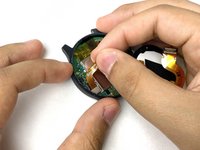
Carefully peel off the ribbon tape that is holding down the motherboard.
-
-
-
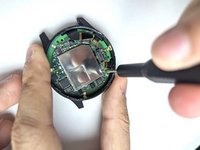
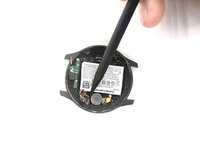
Place the tip of your spudger under the edge of the connector, and pry the connector straight up from its socket to disconnect the battery from the motherboard.
-
-
-
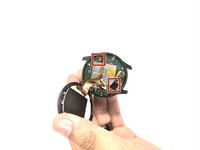
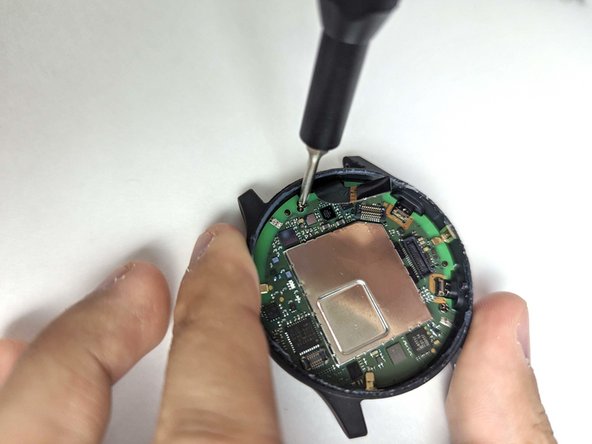
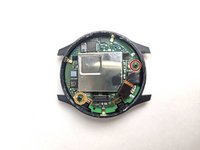
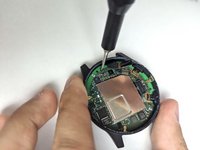
Use a Phillips #00 screwdriver to remove the 3.2 mm screw on the motherboard.
-
Use a Phillips #00 screwdriver to remove the 4.8 mm screw on the motherboard.
-
-
-
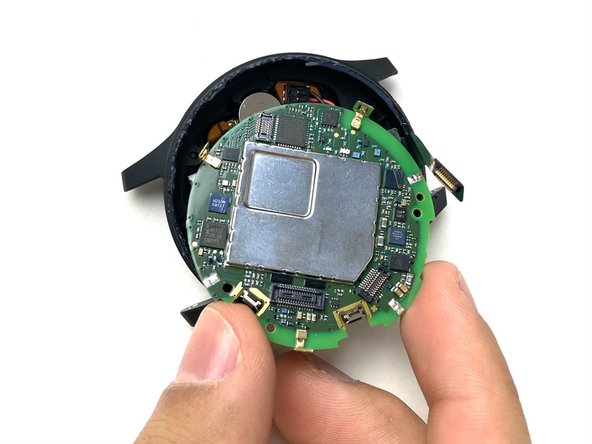
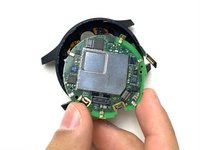
Pull the battery cable up to dislodge the motherboard.
-
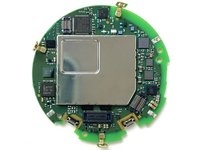
Gently remove the motherboard from the socket.
-
-
-
-
-
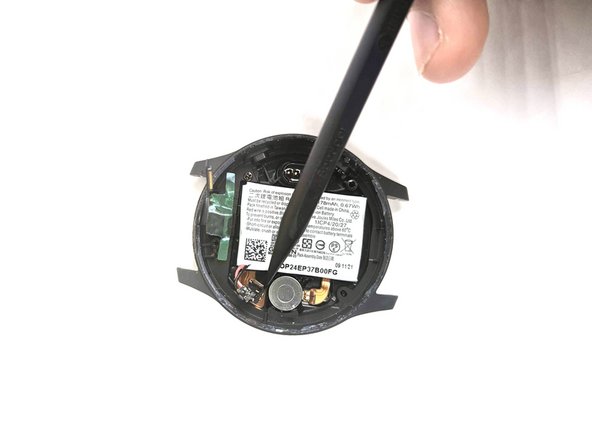
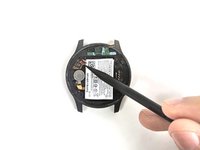
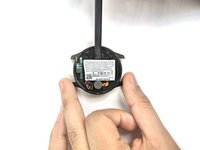
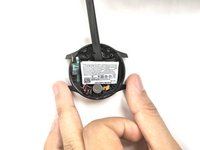
Use the pointed tip of a spudger to carefully push on each side of the battery connector to disconnect the battery from the motherboard.
-
-









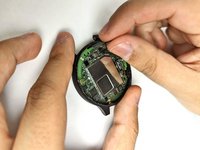



To reassemble your device, follow these instructions in reverse order. Take your e-waste to an R2 or e-Stewards certified recycler.
İptal et: Bu kılavuzu tamamlamadım.
9 farklı kişi bu kılavuzu tamamladı.

Ekip

UMass Dartmouth, Team 1-3, Petersen Fall 2023 UMass Dartmouth, Team 1-3, Petersen Fall 2023 üyesi
UMASSD-PETERSEN-F23S1G3
4 Üyeler
22 adet Kılavuz yazıldı
8Kılavuz Yorumları
There's a warning about the battery connectors in this reddit thread https://www.reddit.com/r/GarminWatches/c...
Look for a comment by Willthedoctor from Nov 2023
Hello, when assembling back the watch, how to ensure tightness, do you add glue or a cement ? thanks
Thank you so much Bryan! You helped me fix my Garmin!
Did ifixit previously sell a VA4 battery themselves? This page now just links to an external site Joesge.com. They sell a 178mAh battery, labelled as Grade A Cosmetic Condition. Currently sold out, doesn’t indicate wether it will be restocked.
