Giriş
This guide shows how to remove and replace the vibration motor in your Meta Quest 2 controller.
This guide is written with the right controller. If you're repairing the left controller, you can still use this guide, as the procedure is identical.
Neye ihtiyacın var
-
-
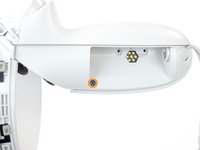
Use your fingers to slide the battery cover down towards the strap end of the controller.
-
Remove the battery cover.
-
-
-
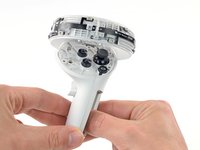
Use your fingers to grasp the wrist strap near the anchor peg.
-
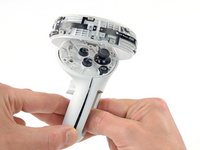
Lift the wrist strap anchor peg straight out of its recess.
-
Remove the wrist strap.
-
-
-
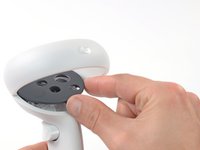
Heat an iOpener and apply it to the bottom edge of the controller faceplate for a minute.
-
-
-
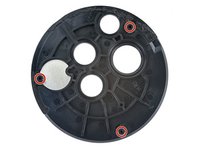
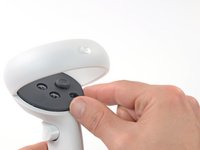
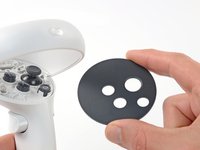
The controller faceplate is secured with adhesive and three friction pegs.
-
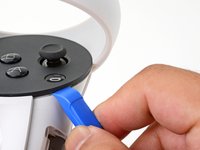
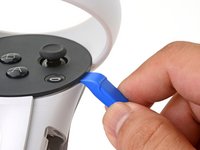
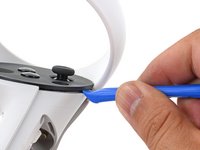
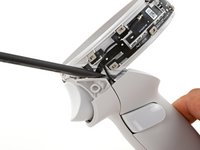
Press the edge of an opening tool into the seam between the controller faceplate and shell, near the Oculus button.
-
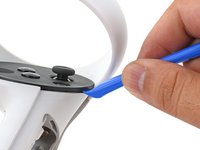
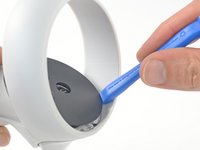
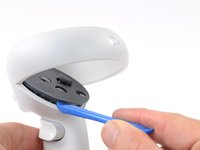
Slide the opening tool to the base of the ring shell to loosen the adhesive.
-
-
-
-
Use a Torx T5 driver to remove the four screws securing the controller ring shell to the controller:
-
Two 4.7 mm‑long screws
-
Two 5.9 mm‑long screws
-
-
-
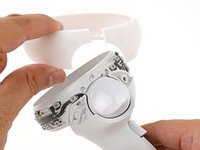
Use your fingers to grab the end of the ring shell that doesn’t have the white alignment square.
-
Gently lift the ring shell up and away from the controller to unclip it from the controller.
-
Remove the controller ring shell.
-
-
-
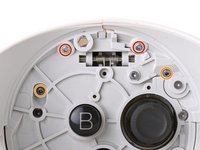
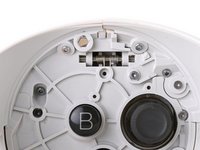
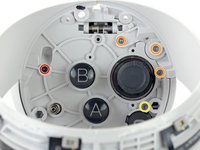
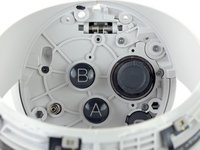
Use a Torx T5 driver to remove the five screws:
-
One 11.5 mm‑long screw
-
Three 5.9 mm‑long screws
-
One 18.2 mm‑long screw
-
-
Bu adımda kullanılan alet:Tweezers$4.99
-
Use tweezers and your fingers to peel the battery information label out from the battery compartment.
-
-
-
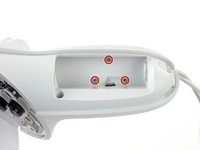
Use a Torx T5 driver to remove the four 5.9 mm‑long screws securing the side shell to the controller:
-
Three screws inside the battery compartment
-
One screw near the corner of the battery compartment
-
-
-
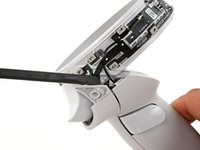
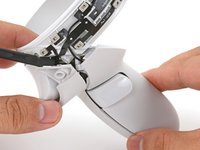
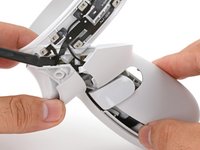
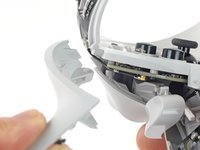
Guide the looped part of the side shell through the screw post gap.
-
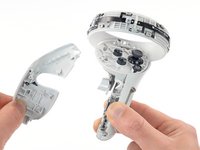
Remove the side shell.
-
-
-
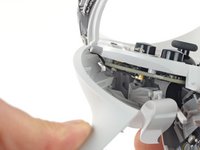
Spread the screw post wide enough to loop the side shell back around it.
-
Be careful not to pinch the antenna cable or the tracking flex cable as you reposition the side shell.
-
-
Bu adımda kullanılan alet:Tweezers$4.99
-
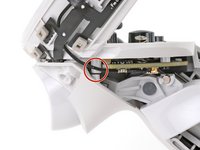
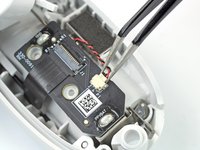
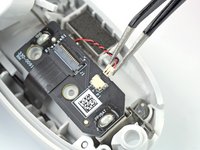
Use tweezers or your fingernail to pull the vibration motor connector out of its socket.
-
-
Bu adımda kullanılan alet:Tesa 61395 Tape$2.99
-
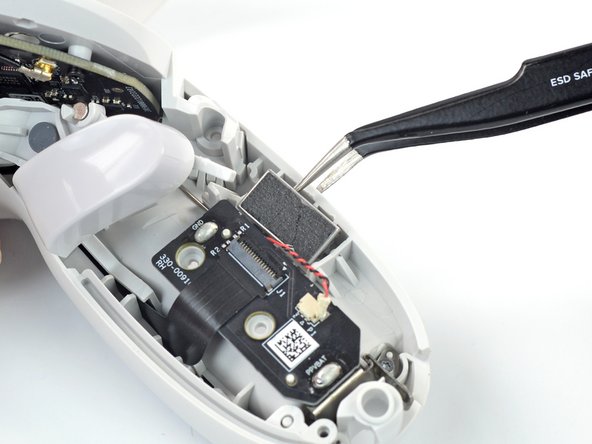
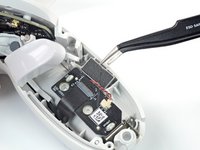
Insert one arm of a pair of tweezers between the vibration motor and the controller.
-
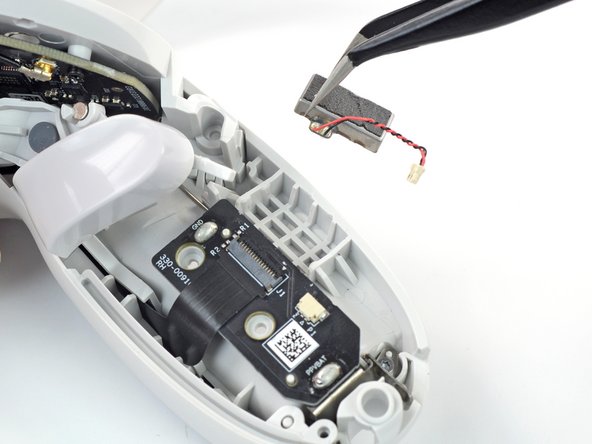
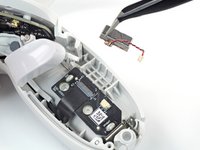
Pry to loosen the vibration motor.
-
Remove the vibration motor.
-












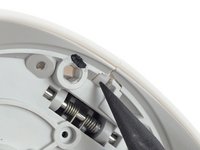
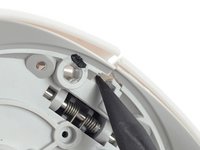


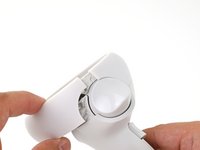
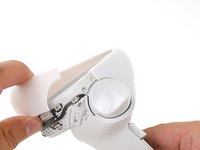
















To reassemble your device, follow these instructions in reverse order.
Take your e-waste to an R2 or e-Stewards certified recycler.
Repair didn’t go as planned? Try some basic troubleshooting, or ask our Answers community for help.
İptal et: Bu kılavuzu tamamlamadım.
2 farklı kişi bu kılavuzu tamamladı.



