Giriş
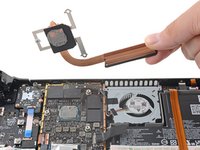
Steam Deck LCD cihazınızdaki ısı emiciyi değiştirmek veya termal macunu yenilemek üzere çıkarmak için bu kılavuzu kullanın.
Unutmayın: cihazınızı tamir ederken genel elektrostatik deşarj (ESD) güvenlik prosedürlerine uyun.
Neye ihtiyacın var
-
-
-
Steam Deck cihazınızı kapatın ve tüm kabloları çıkarın.
 FixBot'a Sor
-
-
Bu adımda kullanılan alet:FixMat$36.95
-
Arka kapağı sabitleyen sekiz vidayı bir Yıldız tornavida ile çıkarın:
-
Dört adet 9,5 mm uzunluğunda kalın dişli vida
-
Dört adet 5,8 mm uzunluğunda ince dişli vida
-
-
-
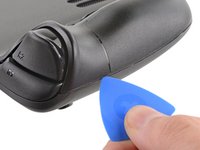
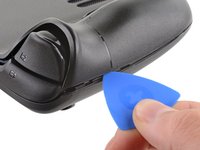
Bir açma penasını arka kapak ile ön gövde arasındaki ince boşluğa, sağ tutma yerinin kenarı boyunca yerleştirin.
-
Arka kapağı sabitleme klipslerinden kurtarmak için kaldırarak ayırın.
-
-
-
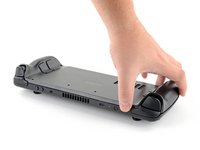
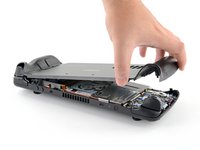
Arka kapak/kılıfı az önce oluşturduğunuz açıklıktan tutun ve uzun kenarların klipslerini açmak için cihazdan uzağa doğru yukarı çekin.
-
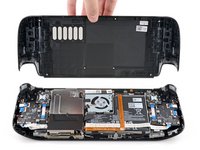
Arka kapak/kılıfı çıkarın.
-
-
-
-
-
Bu adımda kullanılan alet:Tweezers$4.99
-
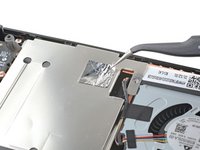
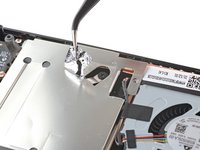
Anakart koruyucusundaki gizli vidayı kapatan folyo bandı çıkarmak için bir çift cımbız kullanın.
-
-
-
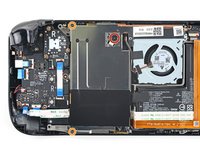
Kart koruma sacını sabitleyen üç vidayı çıkarmak için bir Yıldız/Phillips standardı tornavida kullanın:
-
Bir adet 3,4 mm vida
-
İki adet 3,7 mm vida
-
-
-
Batarya kablosunu çekme tırnağından tutun ve bağlantıyı kesmek için anakarttan doğrudan dışarı doğru çekin.
-
-
-
-
Bu adımda kullanılan alet:Tweezers$4.99
-
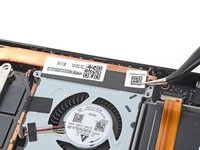
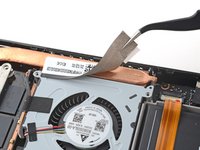
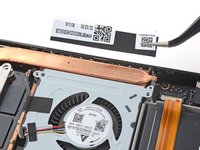
Bir çift cımbız kullanarak etiketi fanın üst kenarından çıkarın.
-
-
-
-
-
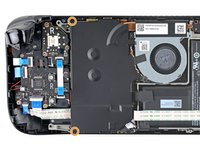
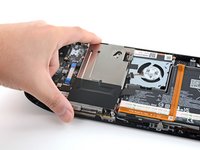
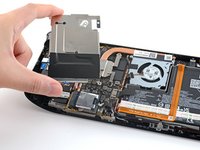
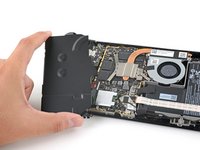
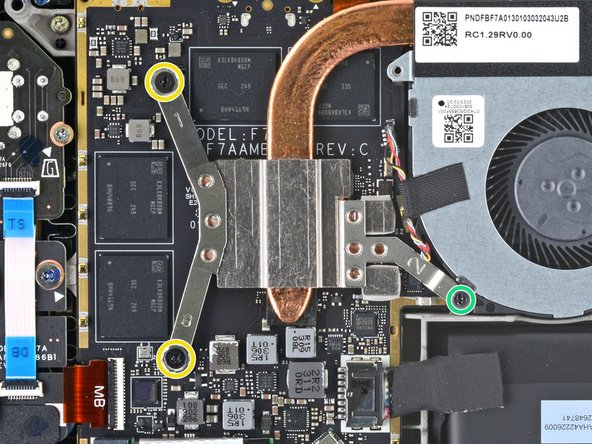
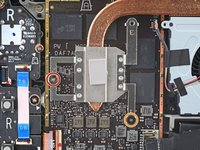
Orijinal Steam Deck modelleri için: Soğutucuyu anakarta sabitleyen iki vidayı gevşetip çıkarmak için bir Phillips tornavida kullanın:
-
Bir adet esir 3,5 mm vida
-
Bir adet 3,4 mm vida
-
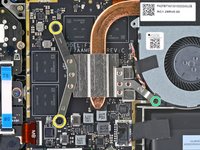
Yenilenmiş Steam Deck modelleri için: Soğutucuyu anakarta sabitleyen üç vidayı çıkarmak için bir Phillips tornavida kullanın:
-
İki adet 2,9 mm vida
-
Bir adet 3,7 mm vida
-
-












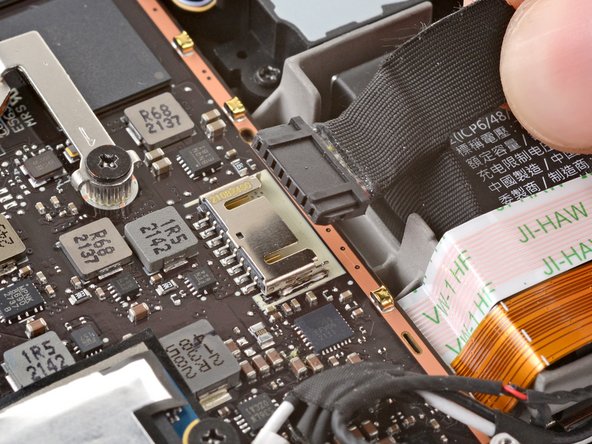





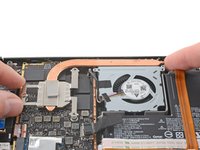
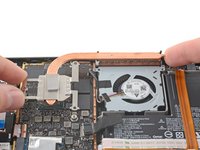
Cihazınızı yeniden toplamak için bu talimatları tersten uygulayın.
Elektronik atıklarınızı R2 veya e-Stewards sertifikalı bir geri dönüşüm tesisine götürün.
Tamir planladığınız gibi gitmedi mi? Temel sorun giderme adımlarını deneyin veya yardım için Steam Deck onarım topluluğumuza danışın.
İptal et: Bu kılavuzu tamamlamadım.
10 farklı kişi bu kılavuzu tamamladı.
Bu çevirmenlere özel teşekkürler:
100%

Translation Bot dünyayı onarmamıza yardım ediyor! Katkıda bulunmak ister misiniz?
Çeviriye Başlayın ›


7Kılavuz Yorumları
This was incredibly easy. I changed the thermal past for some MX-4 and saw a 3-5 degree decrease and quieter fan speeds!
When will iFixIt sell the heatsink itself? I want another just in case.
Does anyone know the full marking for the black screw marked with an orange circle. Since the head was damaged when unscrewing it, I would have to order the same one. What is the correct label? Thank you.
Is the heat sink going to be sold? Instructions to replace but no replacement to buy...
